2 free try-ons a day · no sign-up
Change Clothes in a Photo
Good photo, wrong outfit? Add it here with a garment picture, and the AI edits the clothes. No layers, no masks, no reshoot.
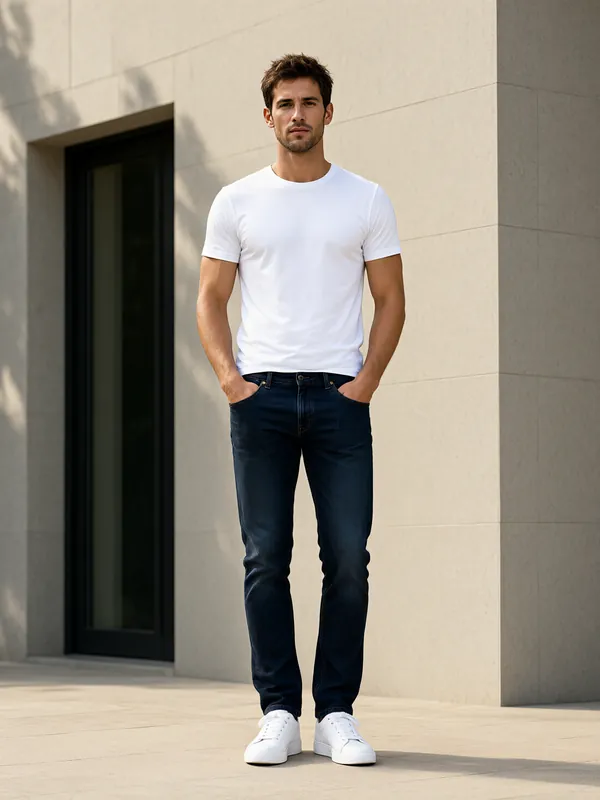
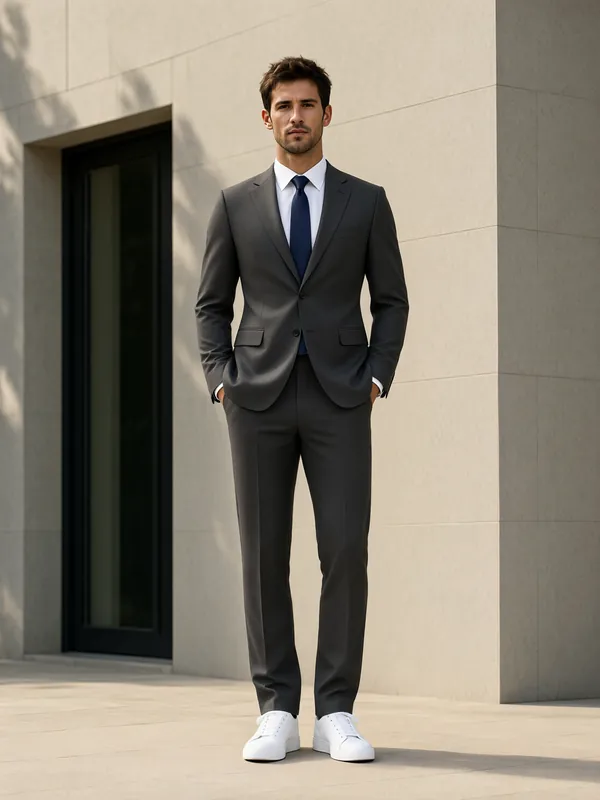
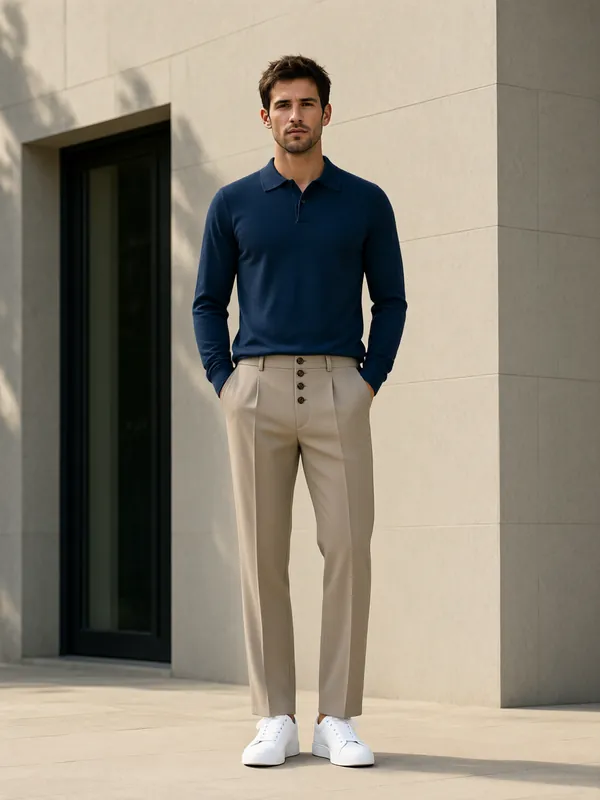
- 1Photos
- 2Try on
- 3Result
Styling your look… this takes about 30 seconds.
Clothes to change into
Tap a garment to load it, then add your photo.
A focused way to change clothes in photos
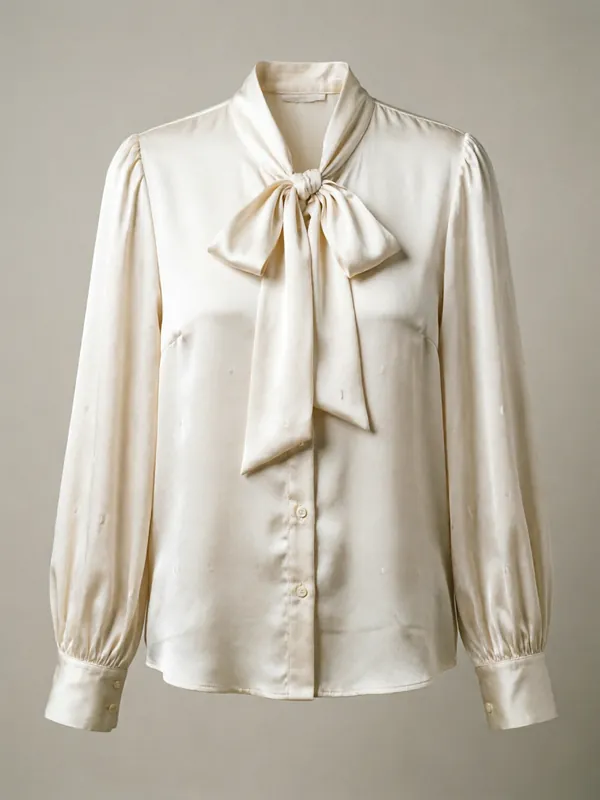
Use the exact garment
Upload the piece you want. The AI copies its color, cut and pattern from the picture.
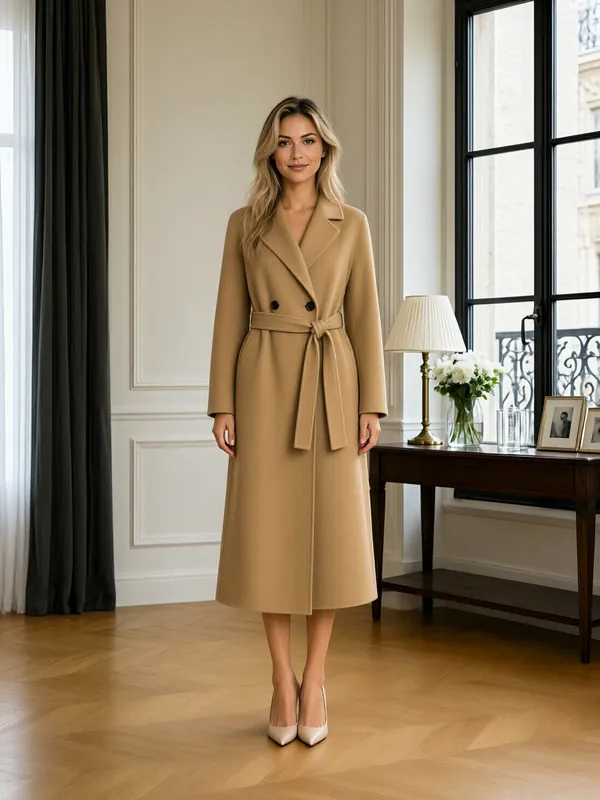
Keep the photo recognizable
Your face, hair, pose and background are meant to stay the same.
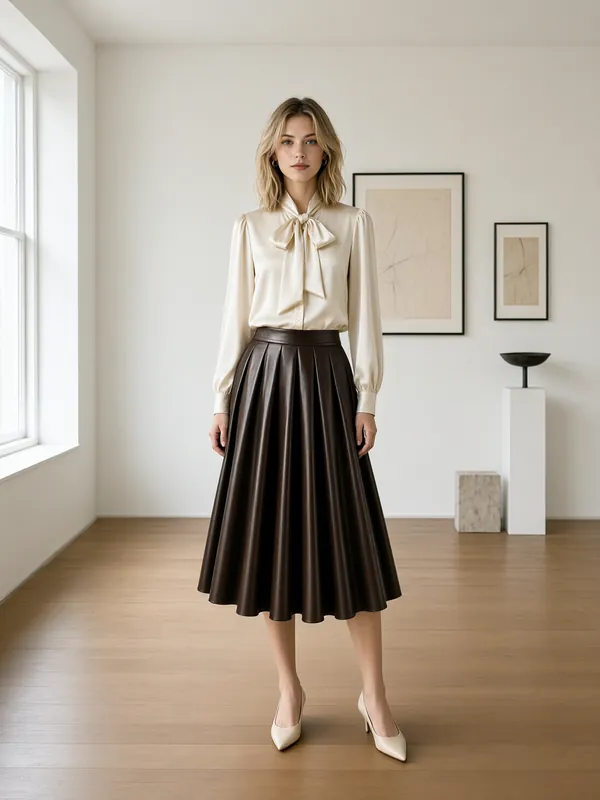
Change one piece or two
Add a top, a bottom or both. Standard takes 2 items.
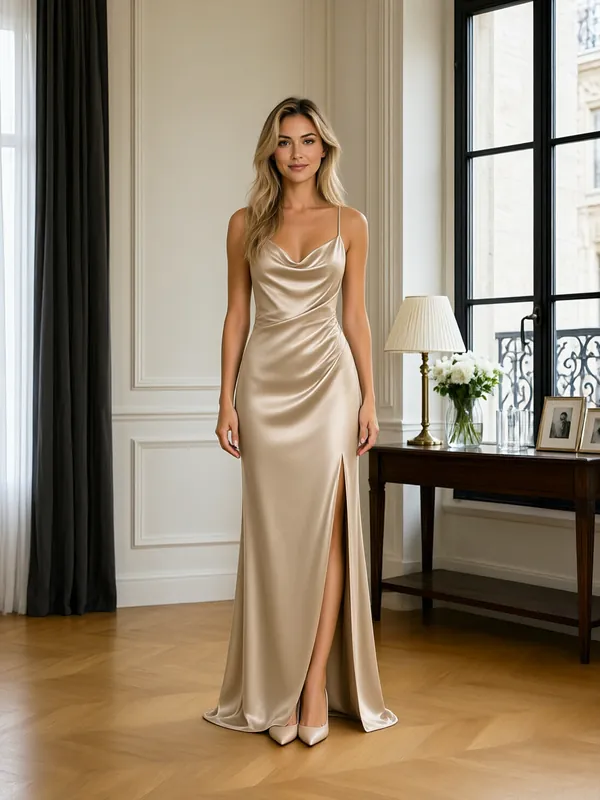
Try more than one outfit
Reuse the same photo and change the clothes again.
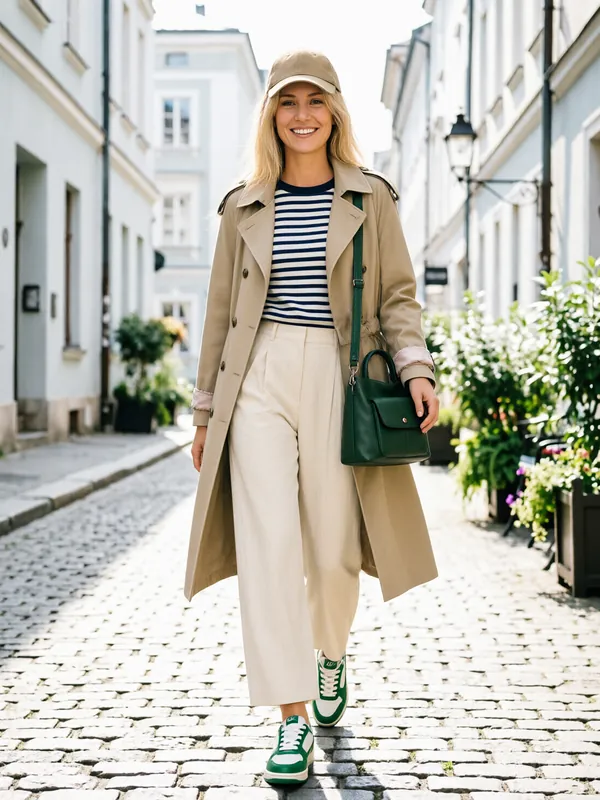
Change a full look
Studio takes up to 6 items, shoes and bags included, and comes with any pack.
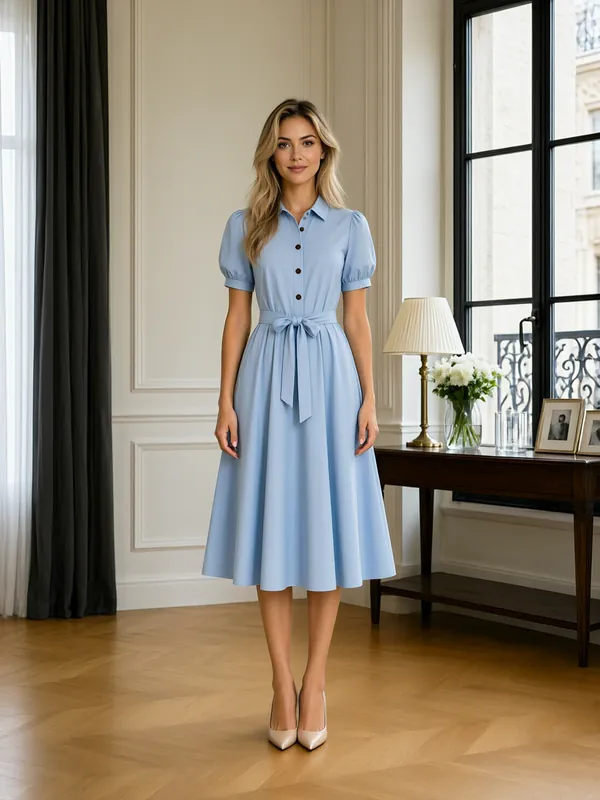
Work in the browser
Nothing to install on a phone or a computer.
How to change clothes in a photo
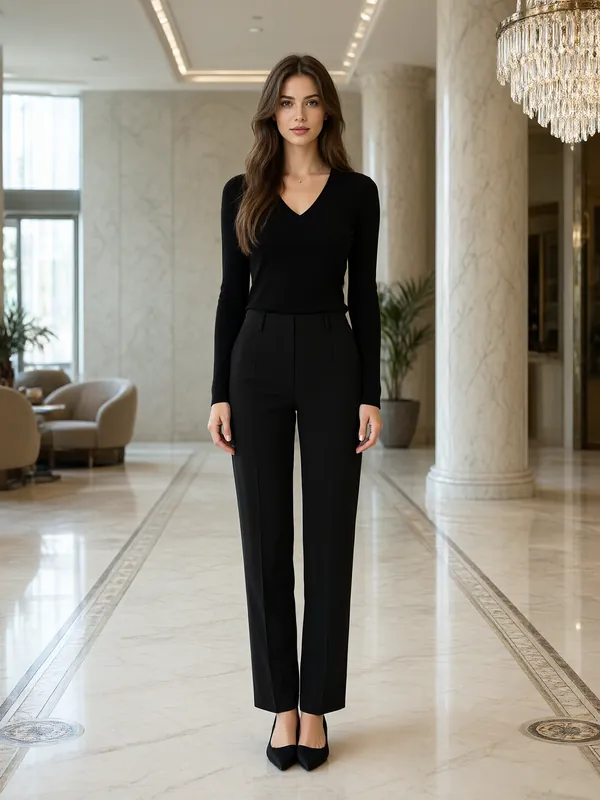
1. Upload your photo
One person in good light, with the clothes you want to change in view.
2. Add the new clothes
A garment photo or store screenshot. Add a second piece if you need it.
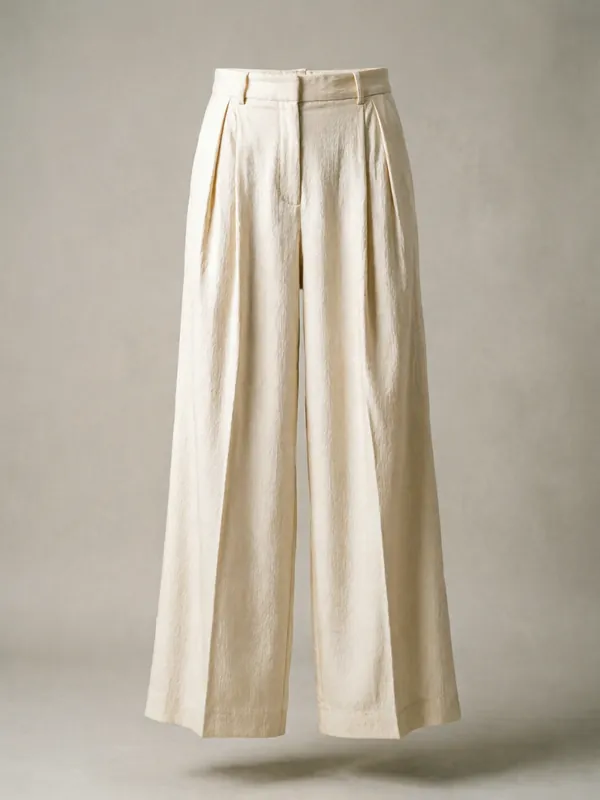
3. Check and confirm
Tick that the photo is yours or that you have permission.
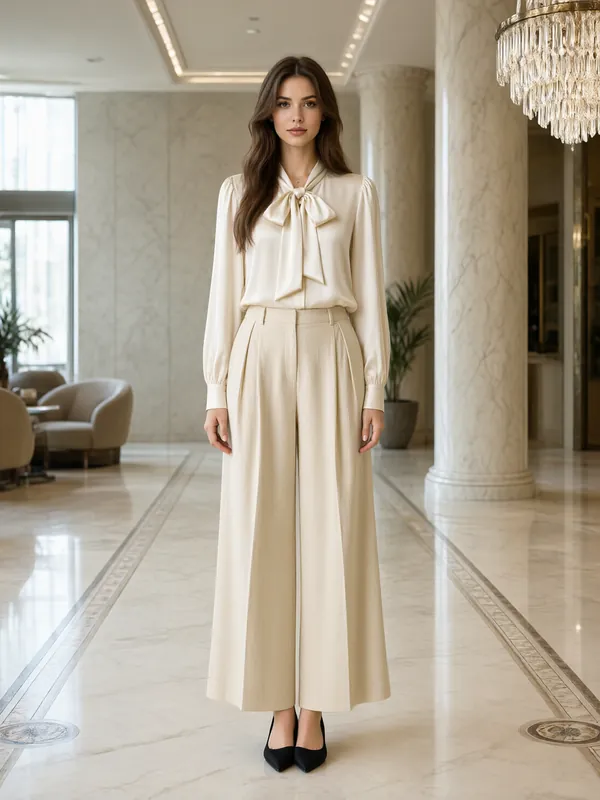
4. Generate and compare
Put the new photo next to the original, then download it.
Realism starts with the original photo
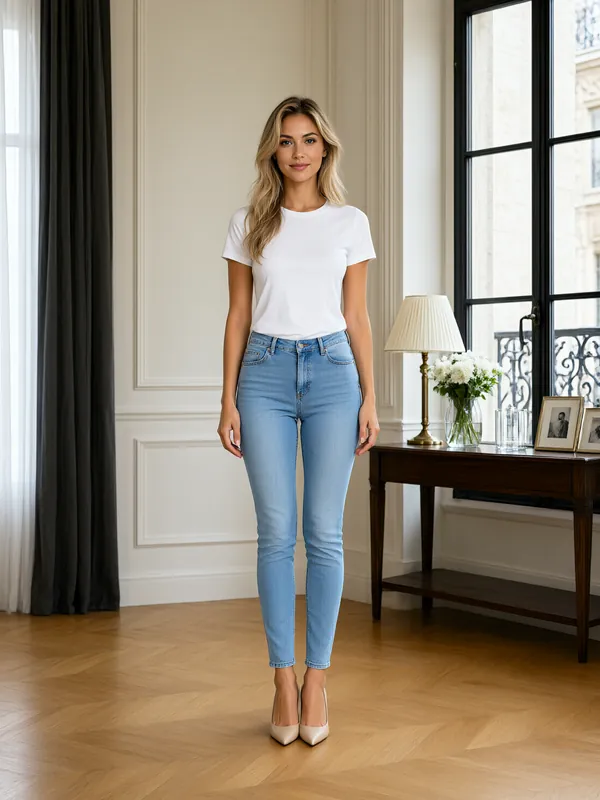
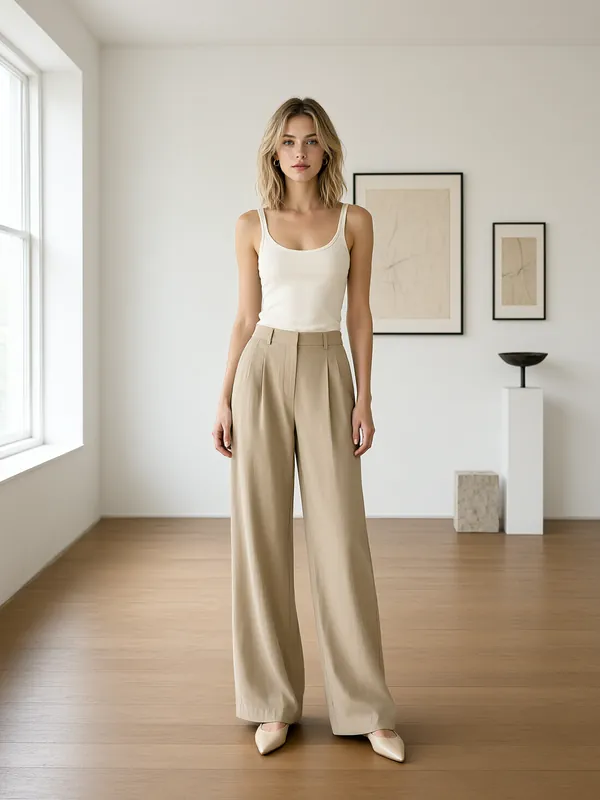
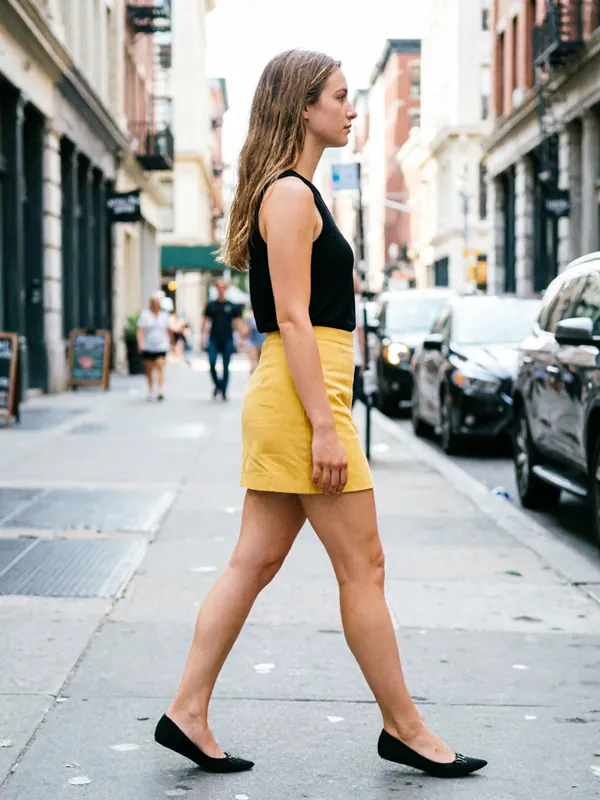
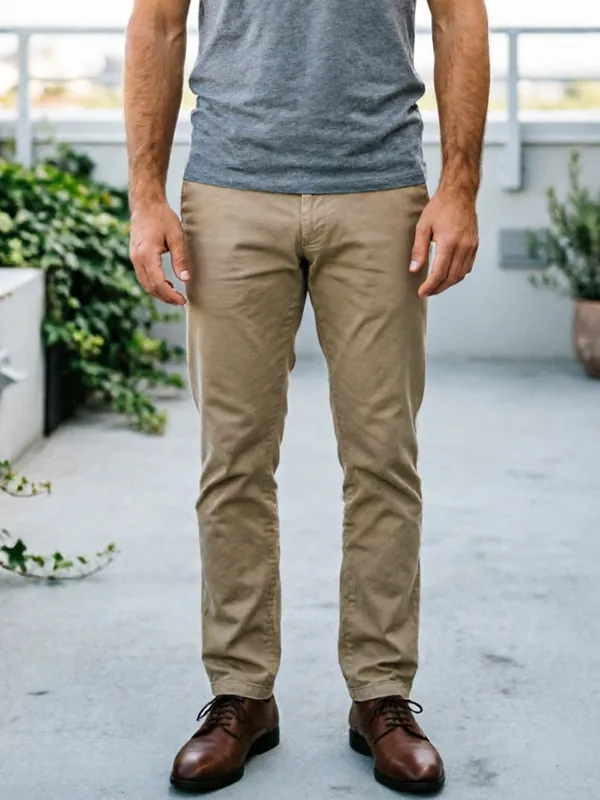
- One person. Group photos aren't supported, so crop to one person first.
- Good light. Hard shadows across the clothes make the change harder to blend.
- Clothes in view. Nothing in front of what you want to change.
- A sharp garment photo. The AI can only copy what it can see.
How closely does it follow a garment photo?
An example made with our own tool. Length and fit can still differ from the real piece.
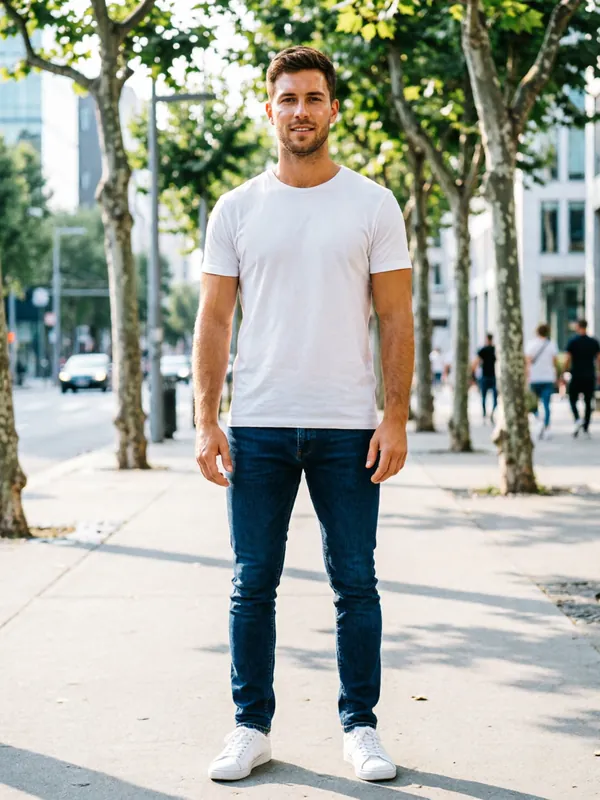
The photo
A plain T-shirt and jeans in a Paris-style room.
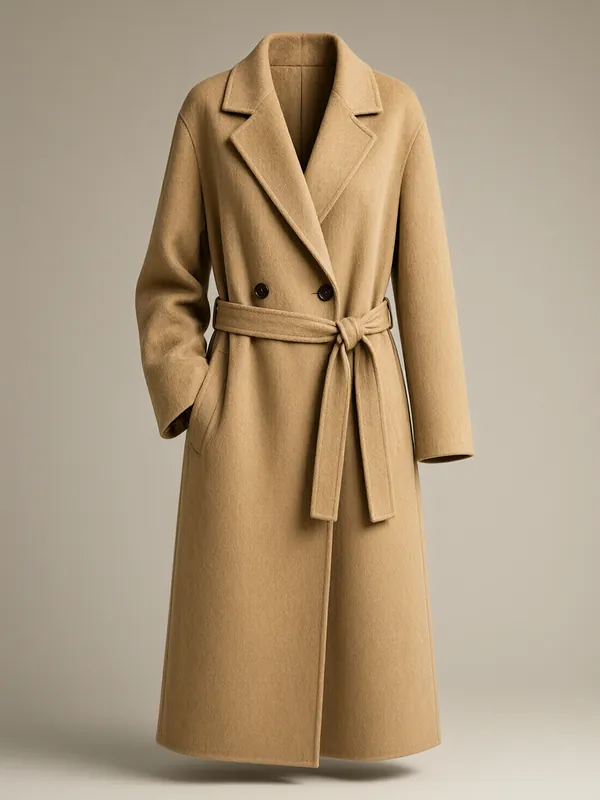
The garment
A camel wrap coat with wide lapels, two buttons and a tie belt.
The result
The lapels, buttons, belt and color match. The lamp, the flowers and the pose are unchanged.
Look closer
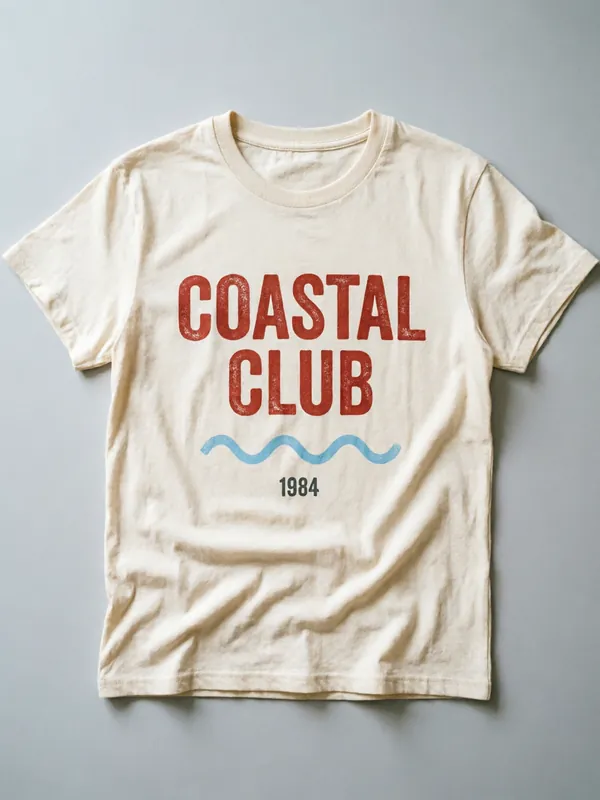
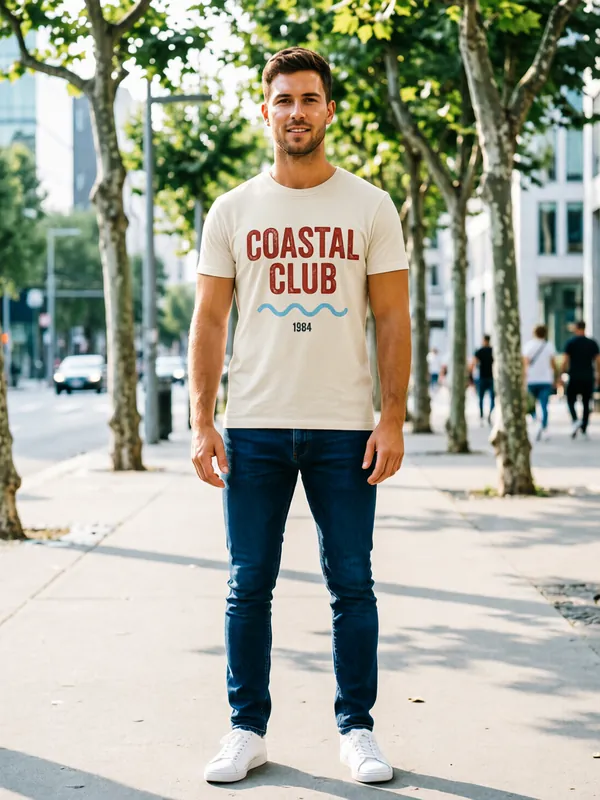
Lettering on a T-shirt
The words on the product photo are readable on the result.
A small floral print
Color and spacing carry over to the dress.
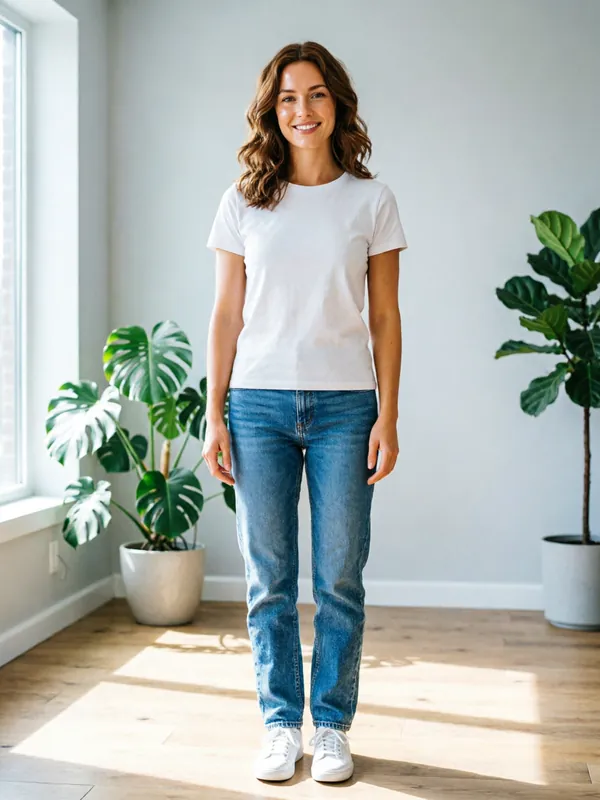
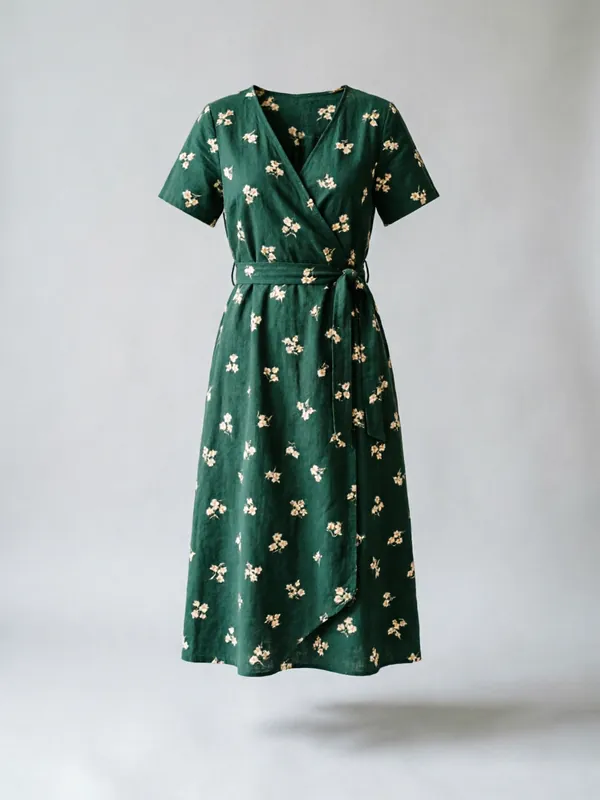
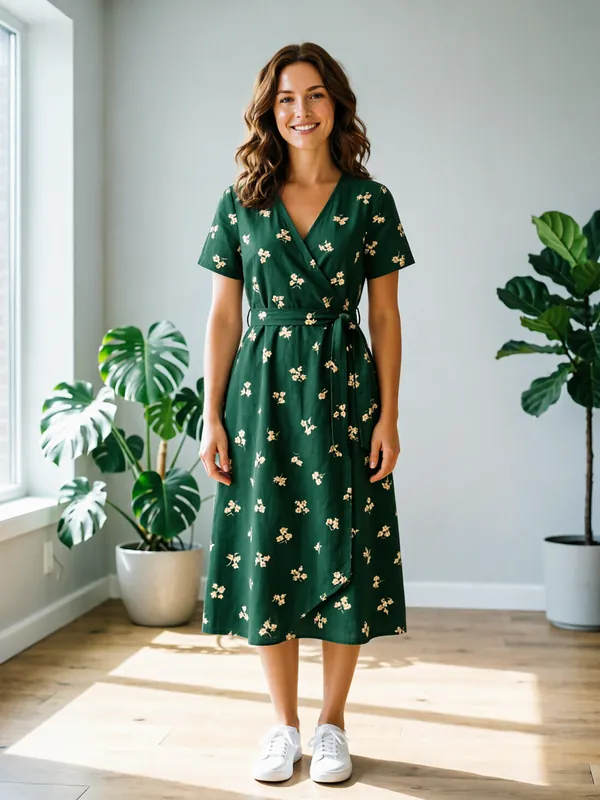
Made with our own tool. The people are AI-generated.
Put a suit or a work shirt on a photo you already like
You have a photo where you look good, but you were wearing a T-shirt. Add a picture of a suit, a blazer or a collared shirt and change the clothes in that photo. It can be useful for a profile picture, a staff page or an event program.
Use a photo of the actual shirt or suit if you can. For passport, visa and other official ID photos, check the rules first, since digitally altered pictures usually aren't accepted.
See what you can create
Left: before. Right: after. Made with our own tool. The people are AI-generated.
One source photo, many useful looks
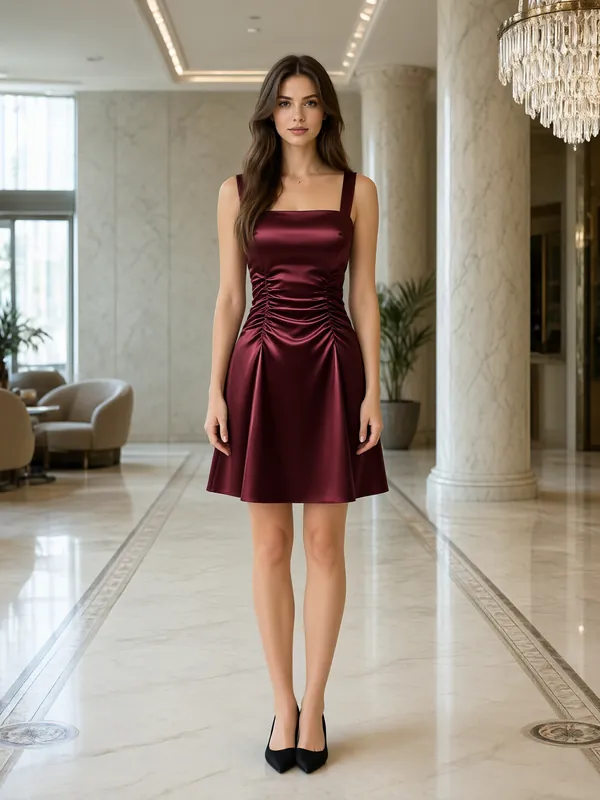
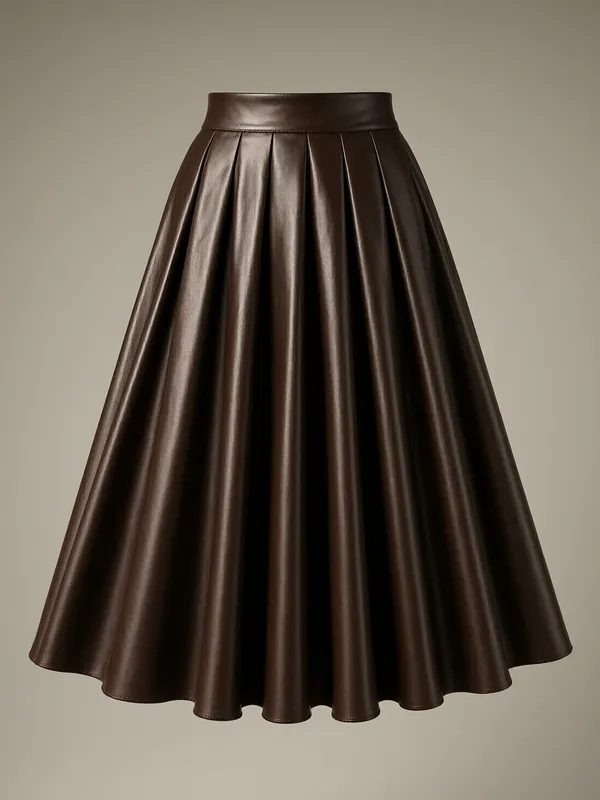
Marketplace photos
Show a flat-lay on a person for a listing.
Profiles and events
A sharper look for a profile or an invitation.
Private by design
We don't keep your photos or results or use them to train AI.
Free to start
You can change clothes in 2 photos a day without an account, while the day's free try-ons last. One-time packs for more are coming. There is no subscription. See pricing.
Change clothes in photos: frequently asked questions
Can I change clothes in a photo online for free?
You get 2 free try-ons a day without an account, while the day's free try-ons last. See pricing.
Do I need Photoshop?
No. There is nothing to select or mask. You upload two pictures.
Can I use a garment photo?
Yes. That is how it works: you add a picture of the clothes, and you don't write a description.
Will I still look like myself?
The AI is told to keep your face, hair, body shape and pose. A sharp full-body photo helps.
How long does it take?
About 30 seconds for one or two items.
Can I change to formal clothes?
Yes. Add a picture of a suit, blazer, shirt or dress.
Can I change men's and women's clothes?
Yes, for adults. Photos of people under 18 can't be used.
Can I change only the color?
Not directly. Add a picture of the garment in the color you want.
Does it change the background?
No. Only the clothes are meant to change.
Is there a watermark?
No.
Are my photos stored?
We don't keep your photos or results. See the privacy policy.