2 free try-ons a day · no sign-up
Try On Clothes Before You Buy
See how a piece looks on you before you click Buy. Add your photo and a picture of the item from any online store.
- 1Photos
- 2Try on
- 3Result
Styling your look… this takes about 30 seconds.
Try a ready look
Tap any piece to load it, then add your photo.
The online shopping guessing game
You find a coat you like. The model is tall, the light is perfect and you can't touch it. Is the color too yellow for you? Is it too long? Would you wear it with what you own? A size chart doesn't answer any of that.
Trying on clothes before you buy used to mean ordering two or three and sending some back. A preview on your own photo lets you rule things out first.
Your personal virtual fitting room
QuickTryOn turns almost any product photo into a fitting-room picture. Upload a clear photo of yourself and the garment you are considering, and the AI makes a photo of you wearing that piece. It works on a phone or a computer, at any hour.
How it works
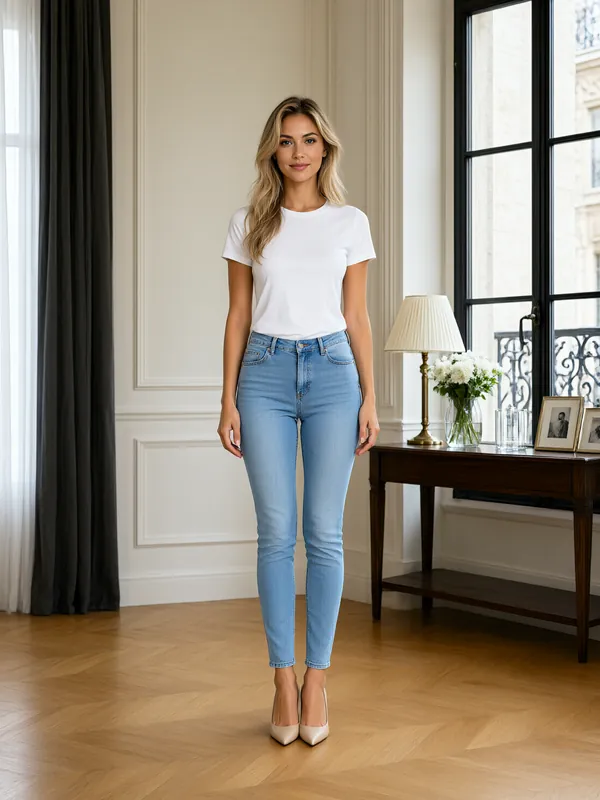
1. Upload your photo
A clear, front-facing, full-body photo.
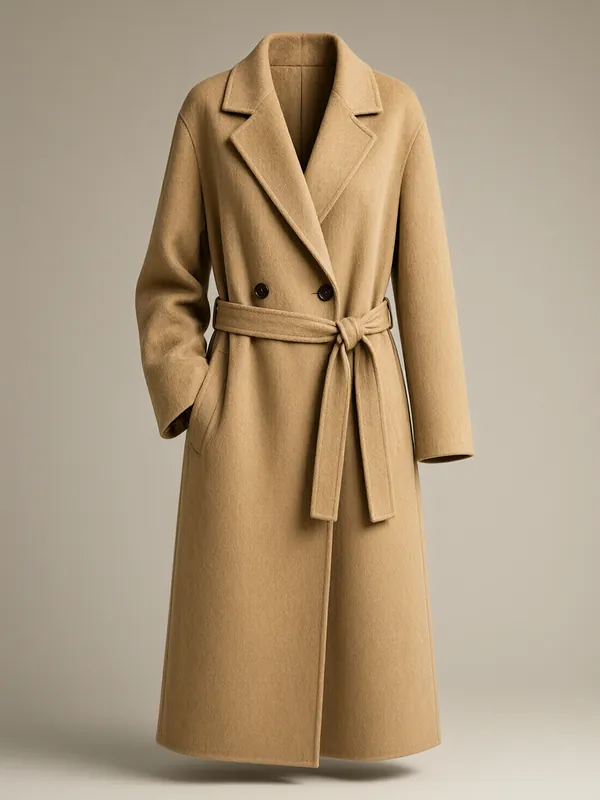
2. Choose a garment
A product photo, a screenshot or something from your own wardrobe.
3. See the try-on
The result takes about 30 seconds.
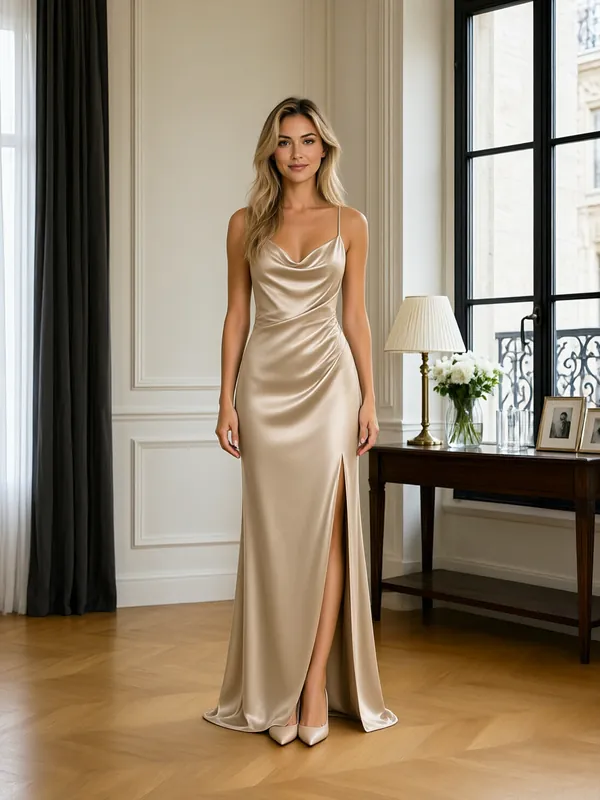
4. Compare and decide
Keep the same photo and try on the next item.
From product photo to you
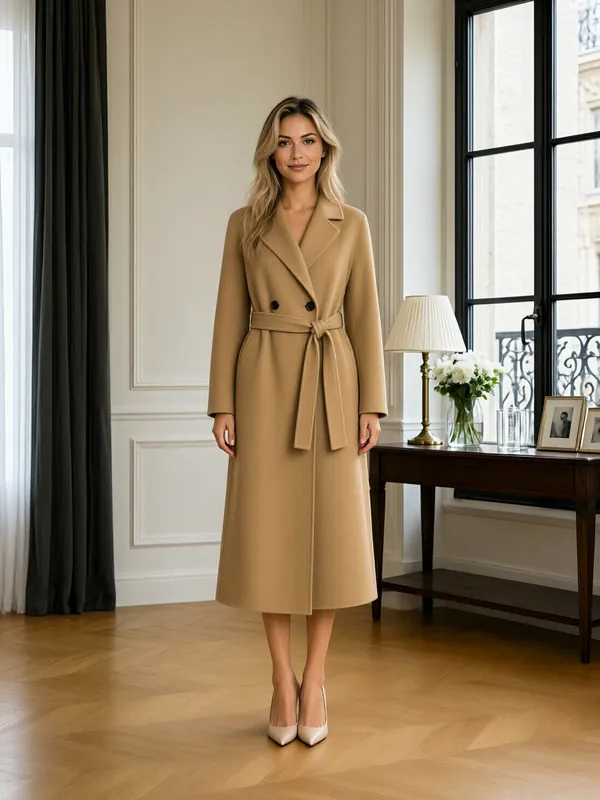
A winter coat
A coat is a big purchase. See the color and the shape on you first.
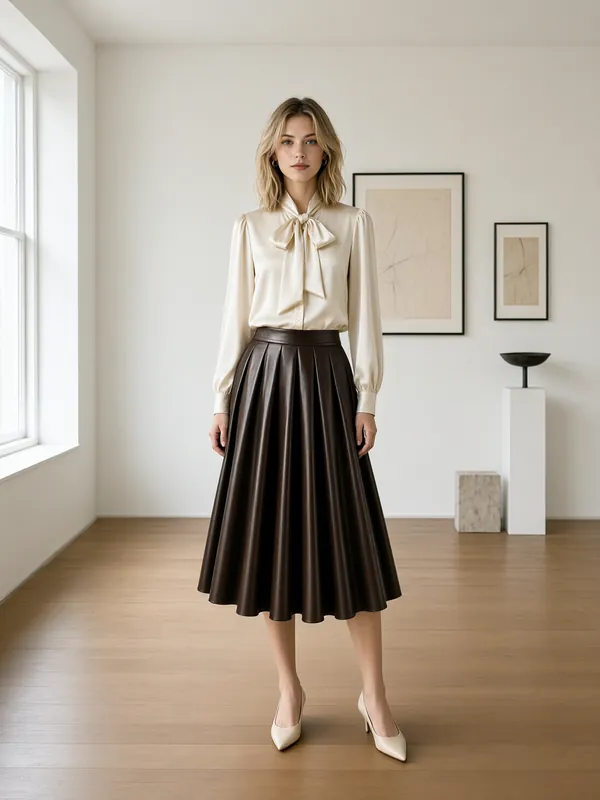
Two pieces that go together
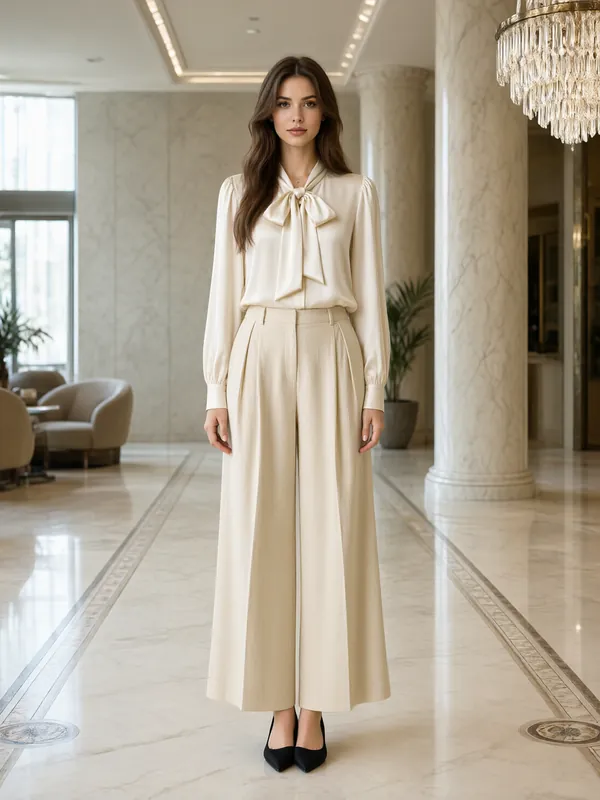
Try on a blouse and trousers together before you put both in the cart.
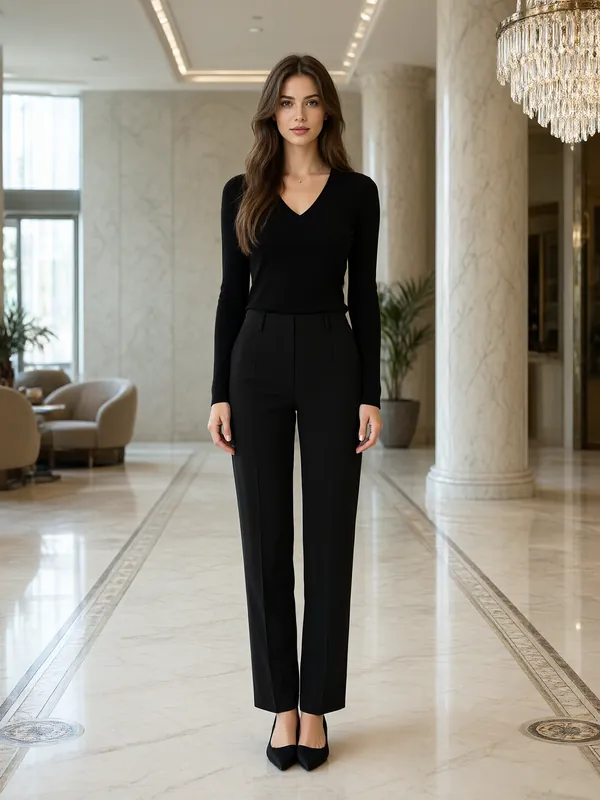
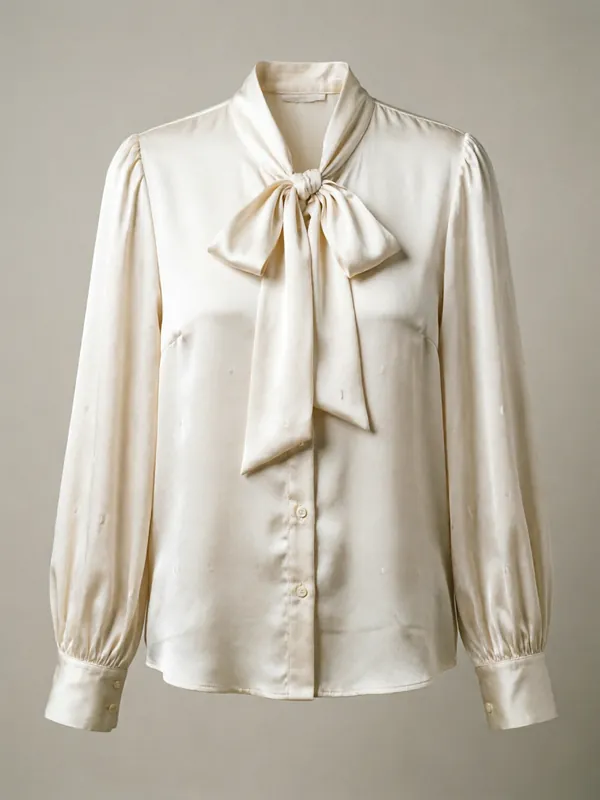
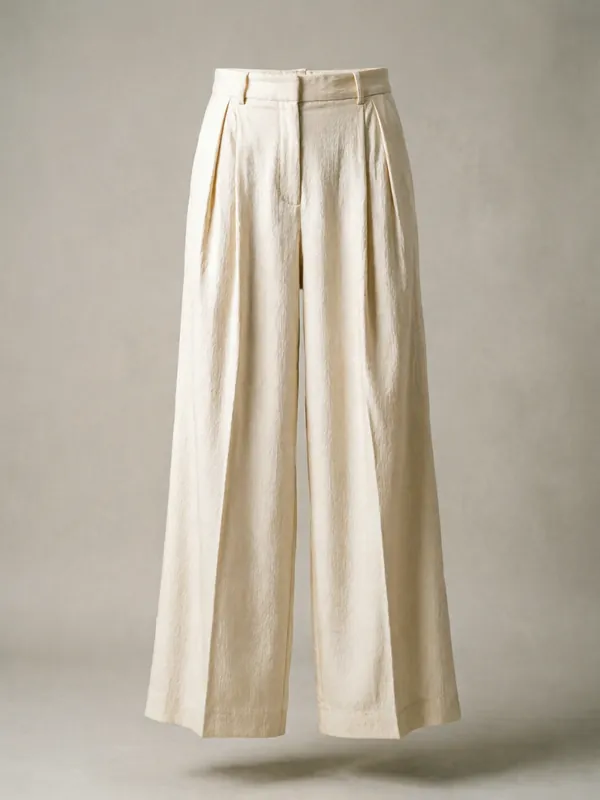
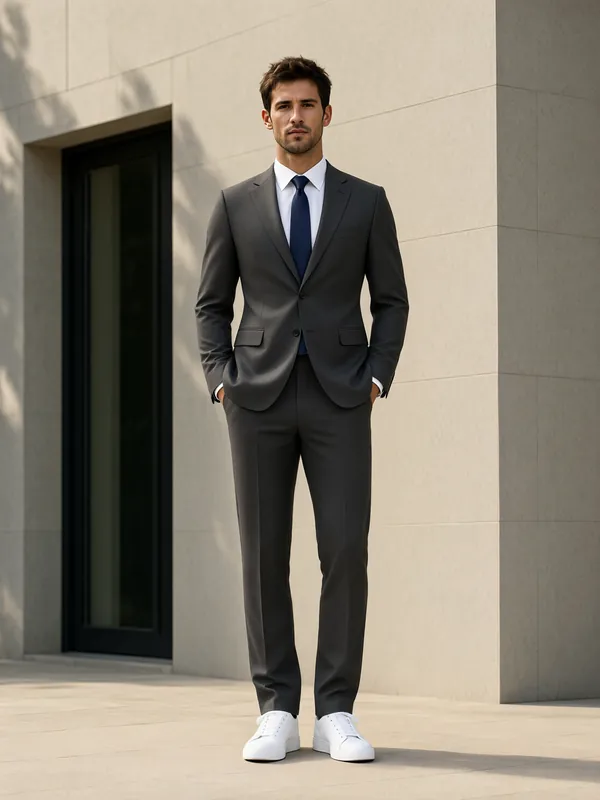
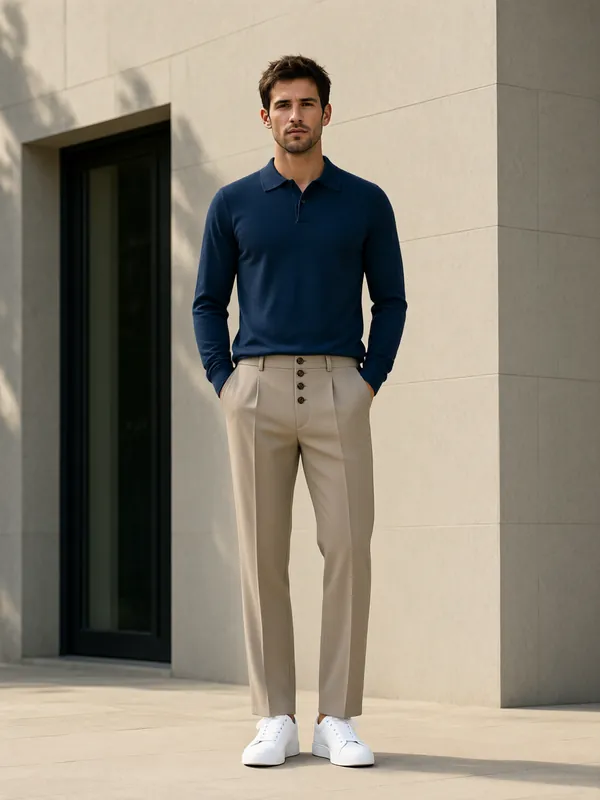
Smart casual for men
A knit and wool trousers in one try-on.
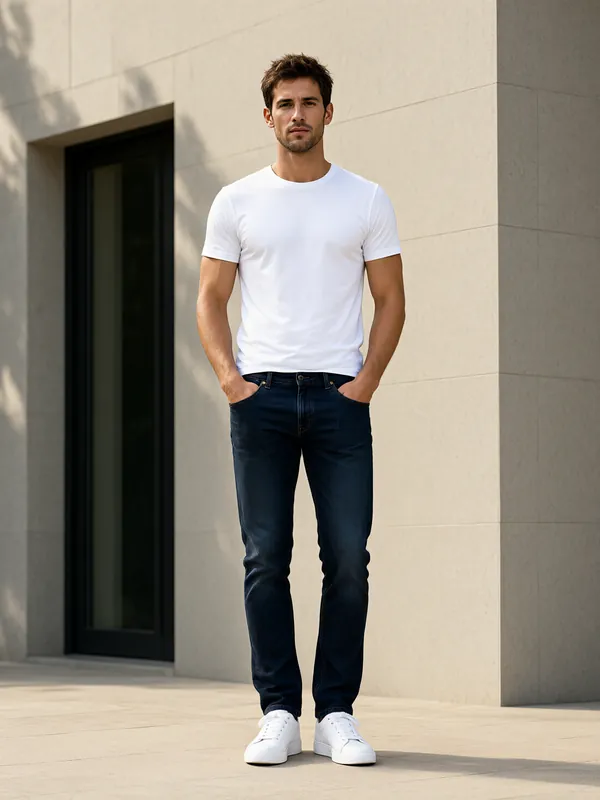
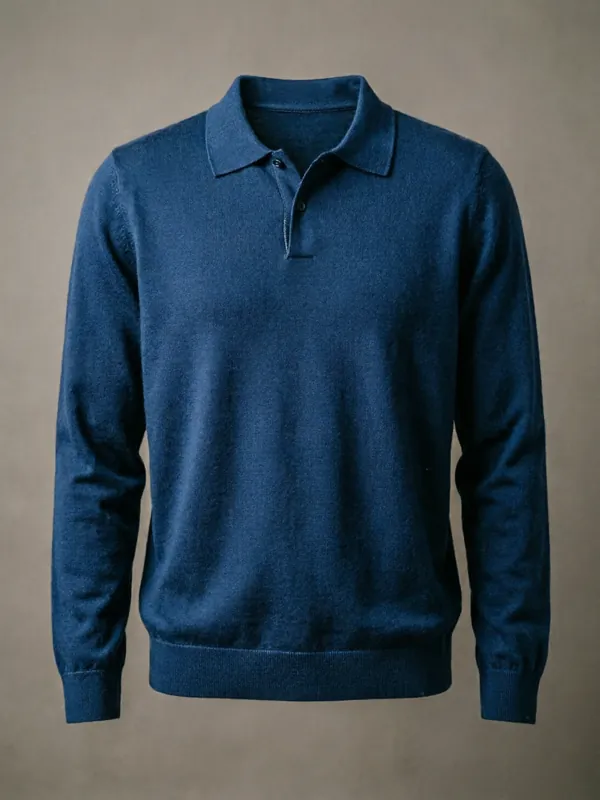
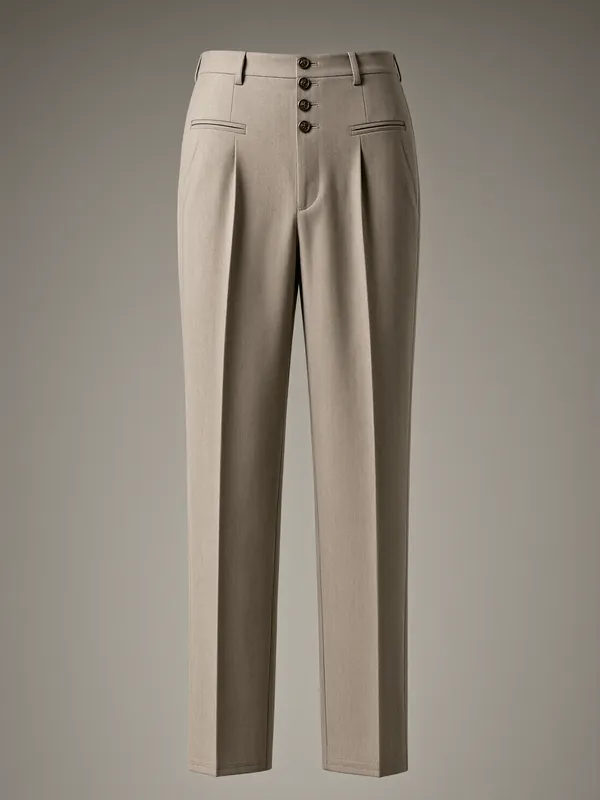
Made with our own tool. The people are AI-generated.
A practical guide to trying before you buy
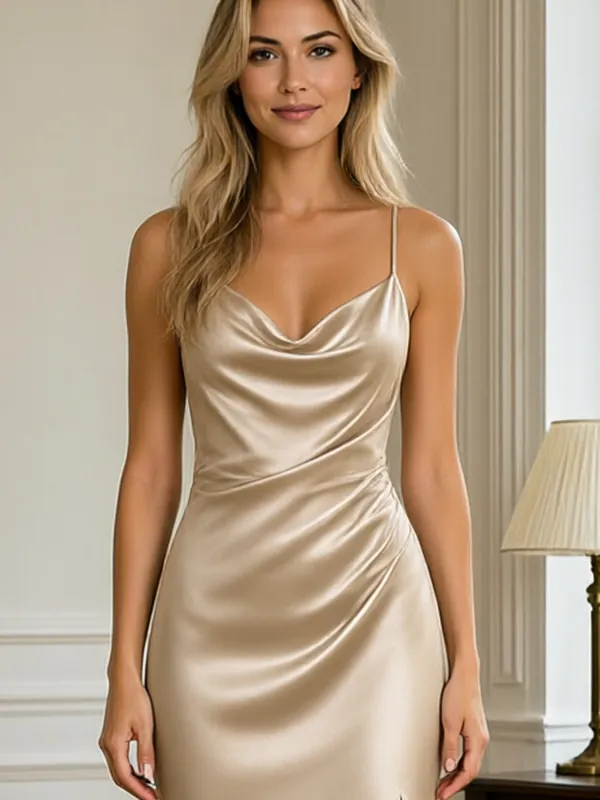
Skip what only looks good on the model
A dress can look perfect on the product page and wrong on you. A quick preview shows that before you pay.
Use store photos and screenshots
Photos from shops, marketplaces and social posts work. The cleaner the picture of the garment, the better.
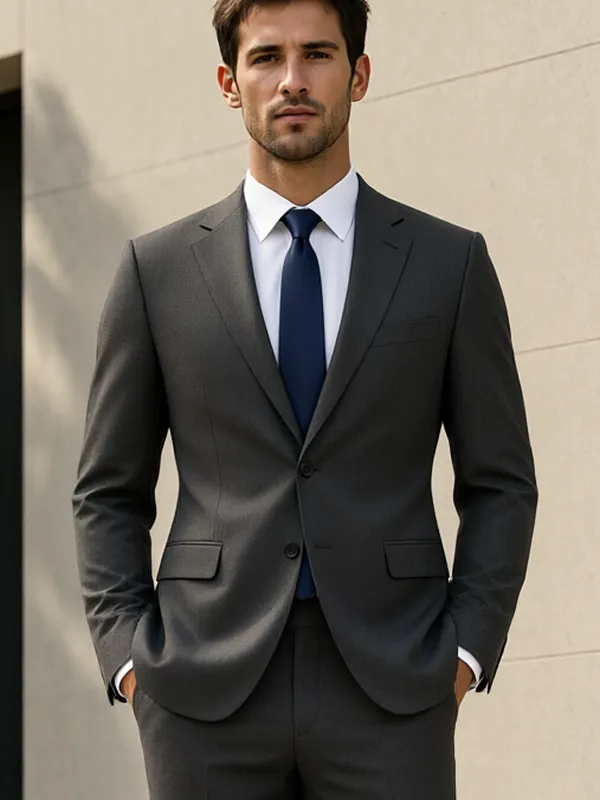
A visual check and not a size tool
Judge color, style and proportion here. Judge size with the store's chart.
Try before you buy: what you get out of it
Fewer returns
You can rule out colors and shapes before you order, so fewer parcels have to go back.
Less waiting
No order, wait, try on and return. You look at the picture and decide.
A wardrobe you wear
Comparing first makes it easier to buy the piece you will keep.
Try on clothes online vs guessing
Try on before you buy
- The item on your own photo
- Color next to your skin and hair
- Two pieces together
- Several options, one photo
Guess from the product page
- The item on a model
- Studio light
- One piece at a time
- Order, wait, try, send back
Tips for a useful preview
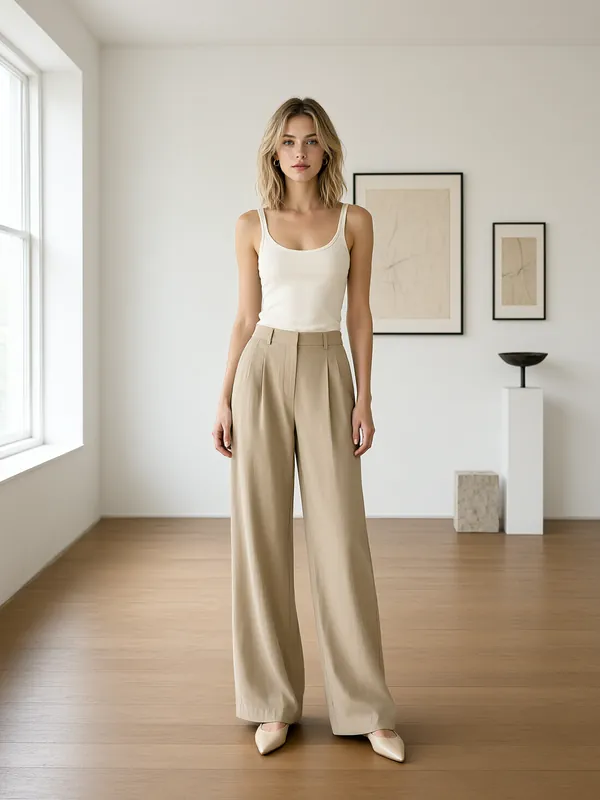
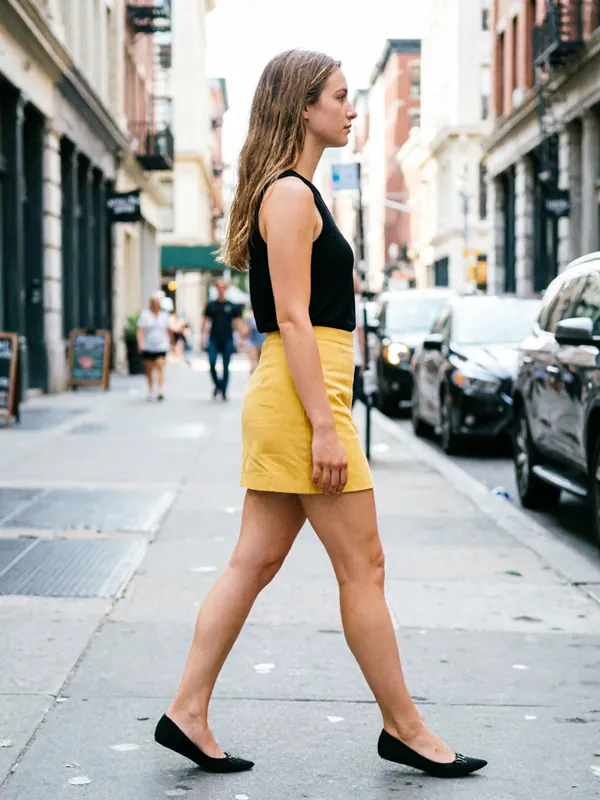

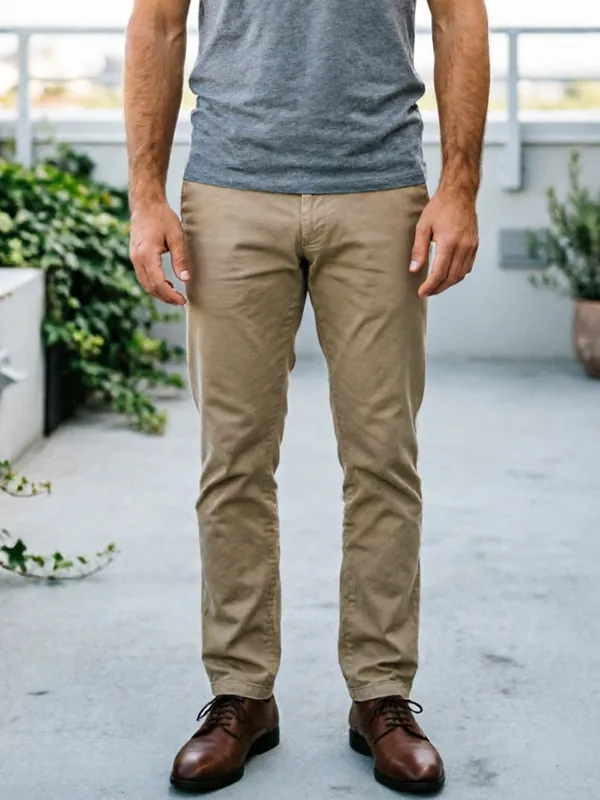
- Use the same photo each time. Then the clothes are the only difference.
- Crop the screenshot. The garment should fill the frame, with no price tags or buttons over it.
- One item per image. Add the second item separately.
- Check the real numbers. Read the length and the size chart on the product page.
Try on clothes before you buy: frequently asked questions
Can I try on clothes online before I buy them?
Yes. Add a photo of yourself and a picture of the item, and the AI shows it on you. This is a visual preview. It isn't a home delivery service.
How accurate is it?
Color, pattern and style usually carry over well. Length and fit can differ, so check the size chart.
Does it work with any online store?
It works with a clear picture of the item, so a screenshot from almost any store is fine.
Is it free?
You get 2 free try-ons a day without an account, while the day's free try-ons last. See pricing.
Do I need to pay a deposit?
No. Nothing is ordered or shipped, so there is no deposit.
Is it a sizing tool?
No. It shows how a piece looks and doesn't measure you.
What clothing photos work best?
Front view, good light, the whole garment visible and nothing covering it.
Can I compare two items?
Yes. Keep your photo, change the item and download both results.
Are my photos private?
We don't keep your photos or results. The companies that process them are listed in the privacy policy.