2 free try-ons a day · no sign-up
AI Outfit Swap for Your Own Photos
Add a person and the pieces you want. The AI outfit swap changes the clothes and leaves the rest of the photo alone. Free try-ons every day, no sign-up.
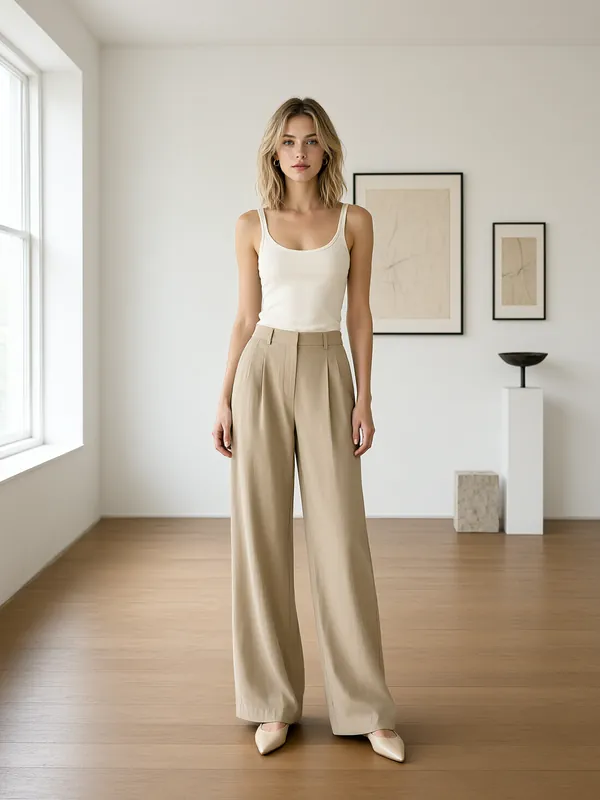
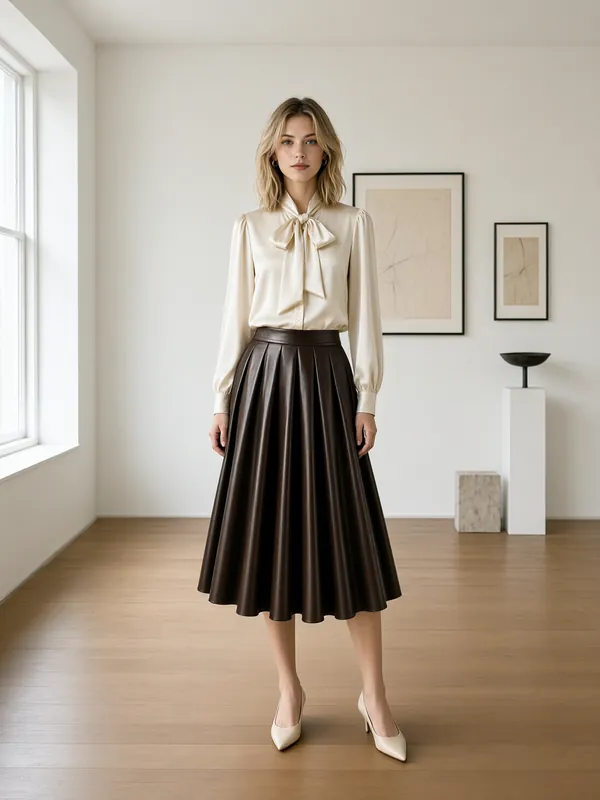
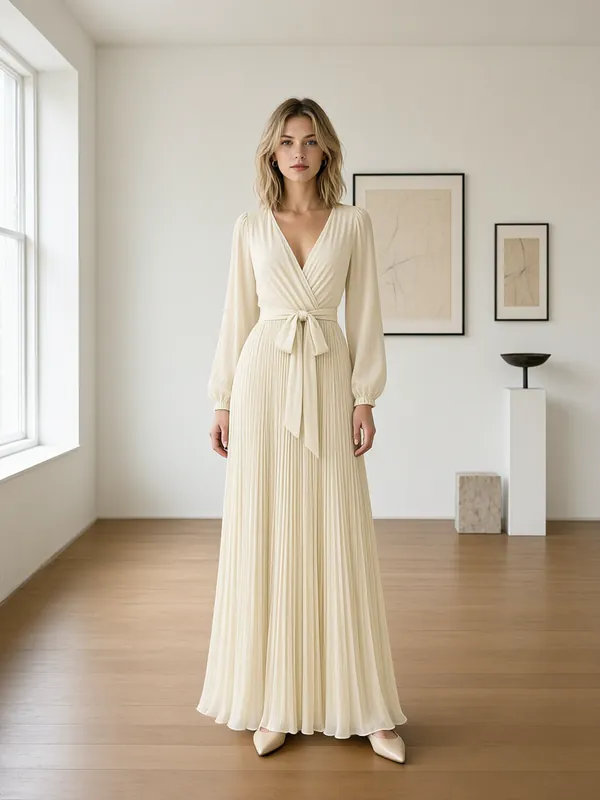
- 1Photos
- 2Try on
- 3Result
Styling your look… this takes about 30 seconds.
Outfit swap examples
One photo in, a different outfit out.
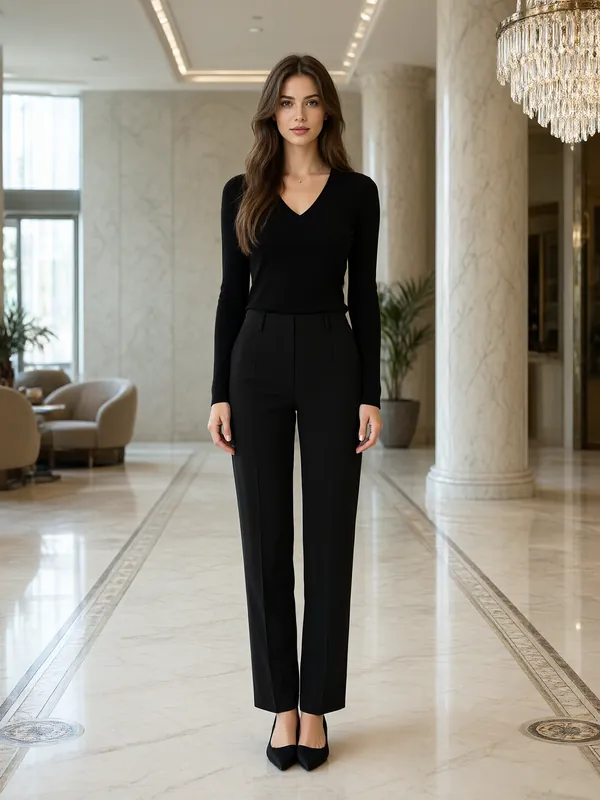
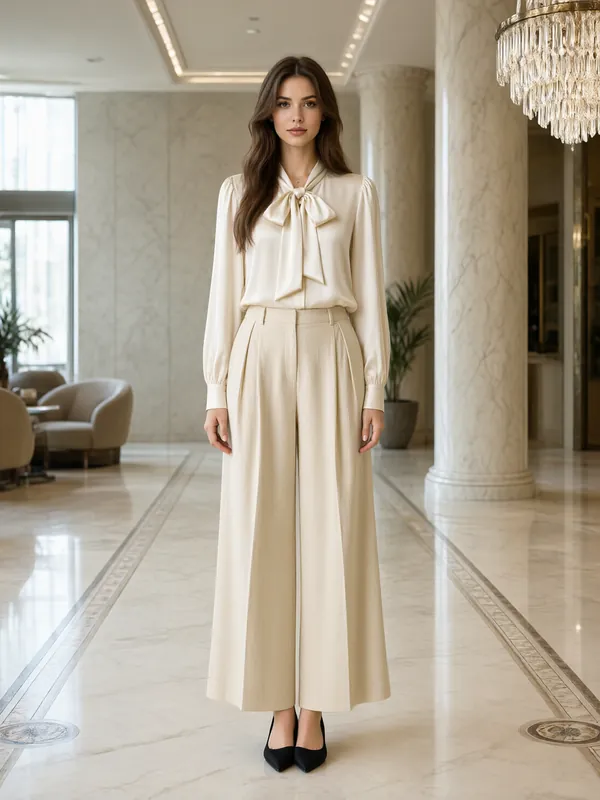
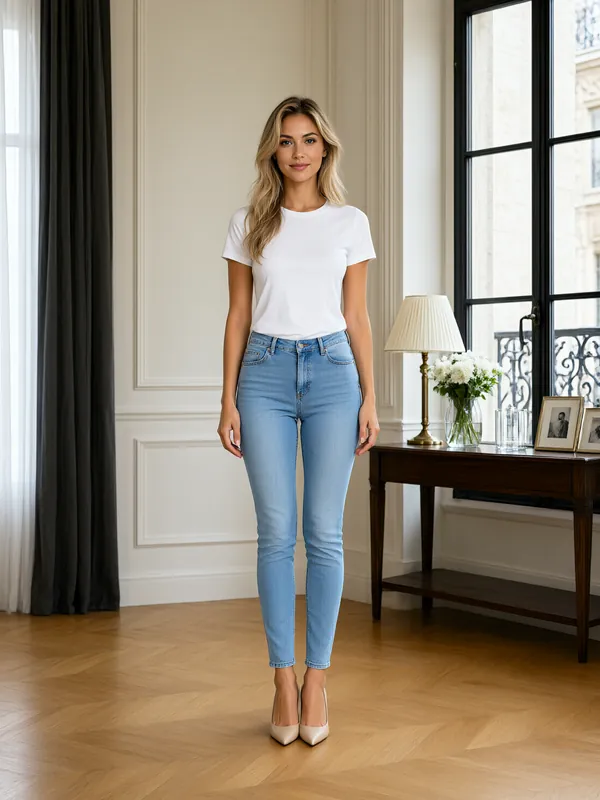
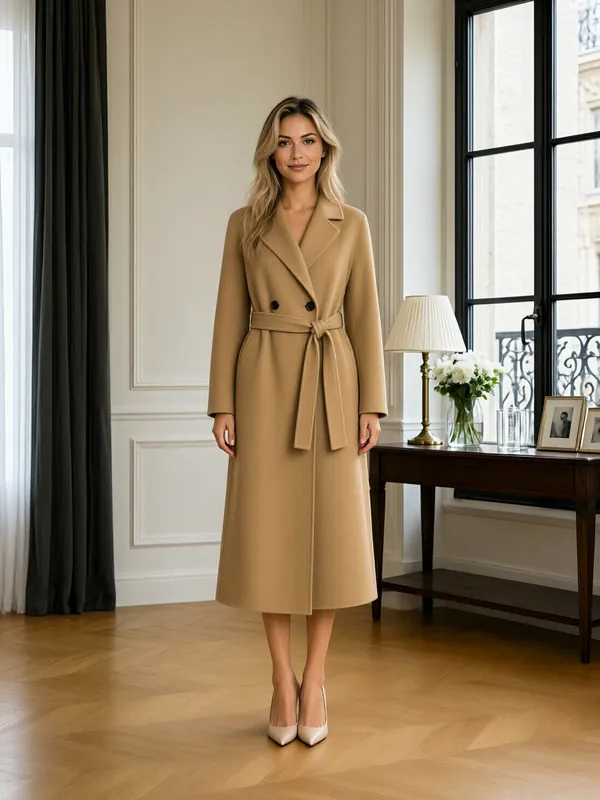
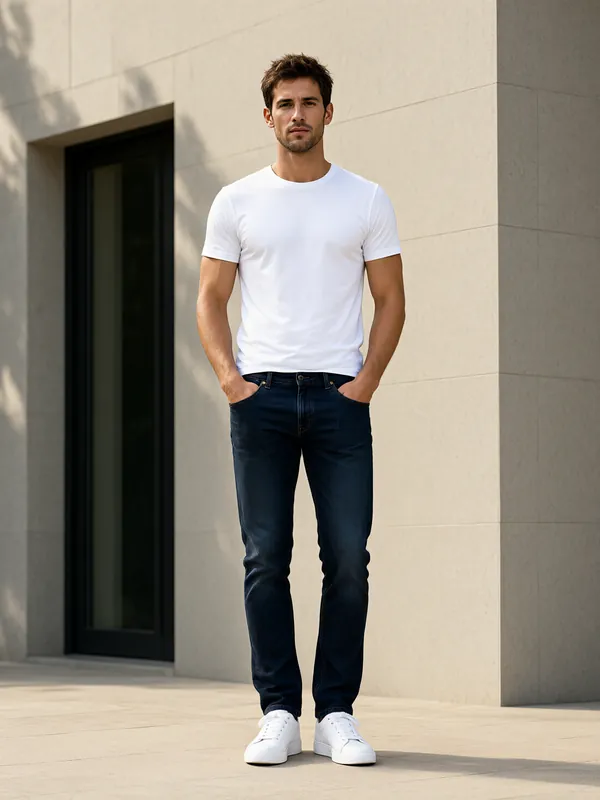
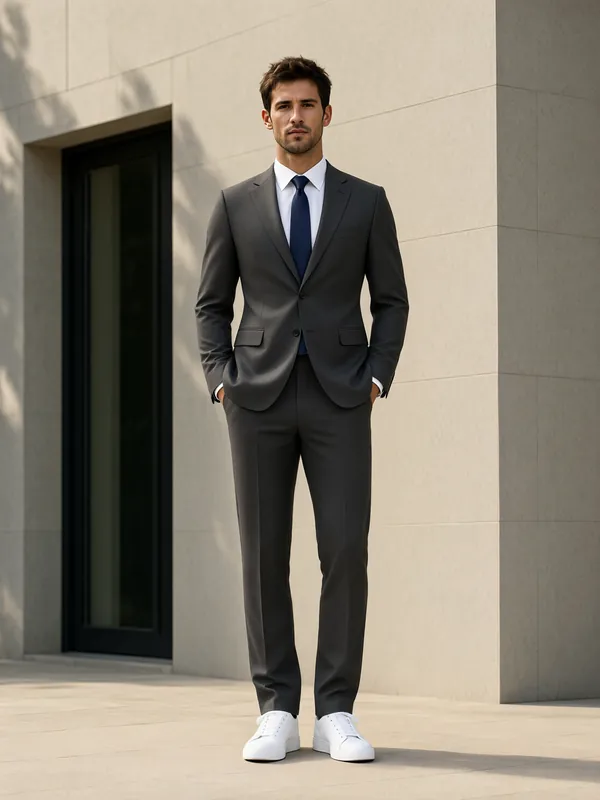
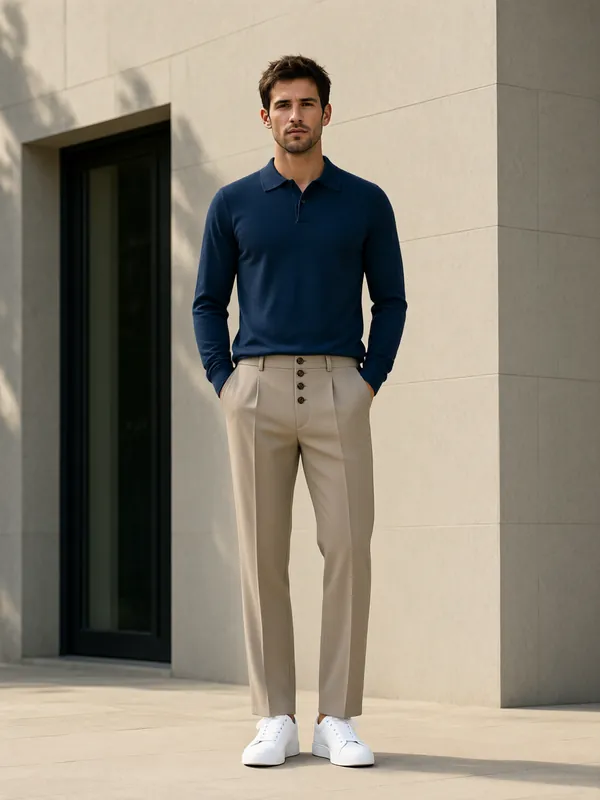
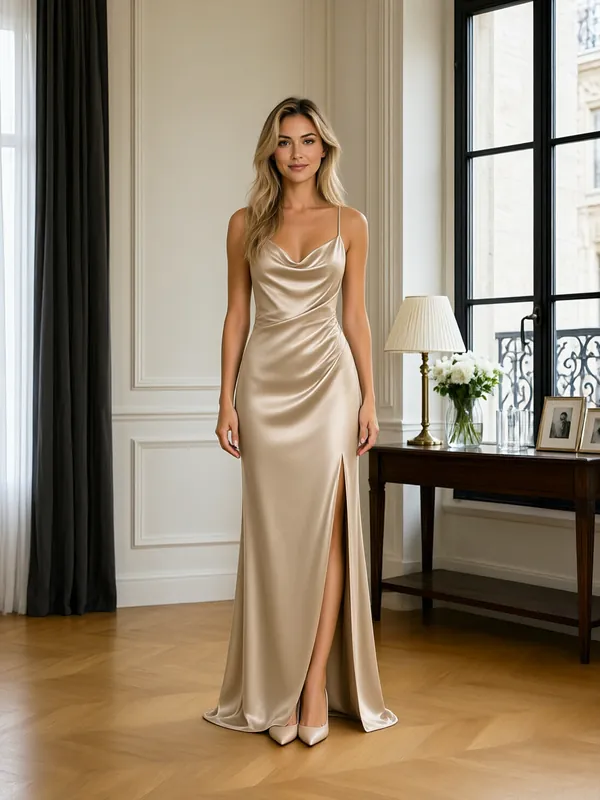
Left: before. Right: after. Made with our own tool. The people are AI-generated.
What is outfit swap?
Outfit swap means taking a photo of a person and replacing the clothes, so the pose, the body, the light and the background stay and the outfit is new.
More than pasting clothes on top
An AI outfit swap redraws the new clothes on the person. Fabric folds at the elbow, a coat closes at the waist and a skirt falls from the hip.
- Garment details. Buttons, collars, belts and prints come from your product photo.
- Same person. Face, hair, body shape and pose are meant to stay as they are. This is not a face swap.
- Same place. The room or street behind you stays.
- More than one piece. Swap a top and a bottom together, or up to 6 items in Studio.
One idea, many names
People also call it an outfit changer, AI clothes swap, clothes changer, clothing swap AI or outfit swapper. The steps are the same: one photo of a person, one or more pictures of clothes.
How to use the outfit swap tool
1. Add a person
A clear, full-body photo of one person.
2. Add an outfit
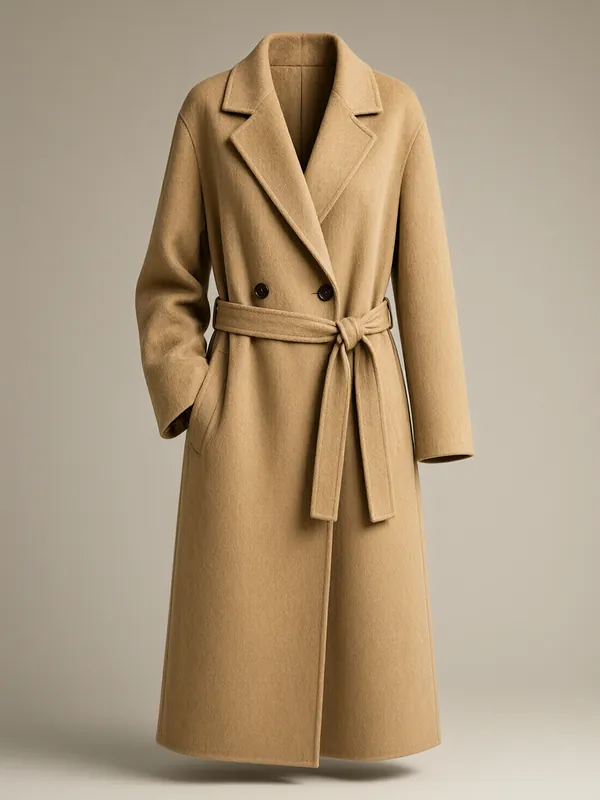
Flat-lay, hanger, or on a model. One item per picture.
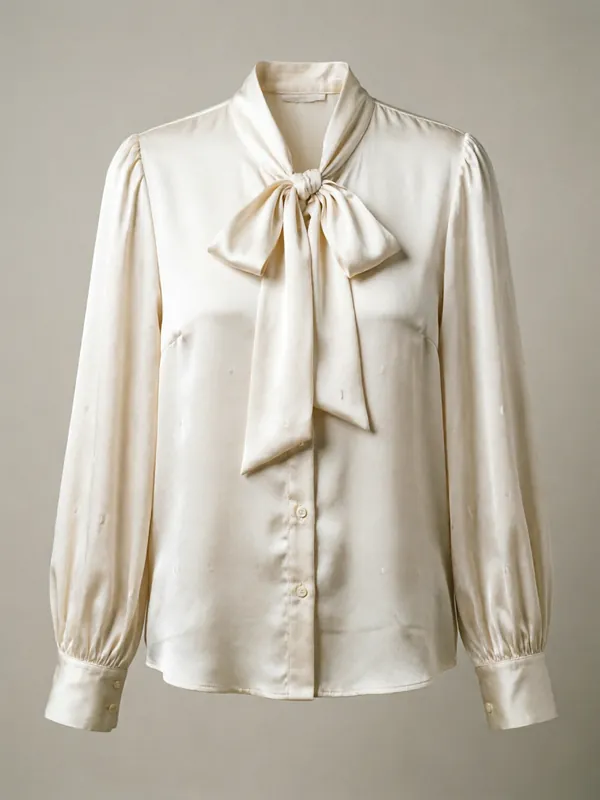
3. Add a second piece
Optional. A top with a skirt, or a shirt under a jacket.
4. Swap and download
Takes about 30 seconds. Then swap the next outfit on the same photo.
Why use this AI outfit swap
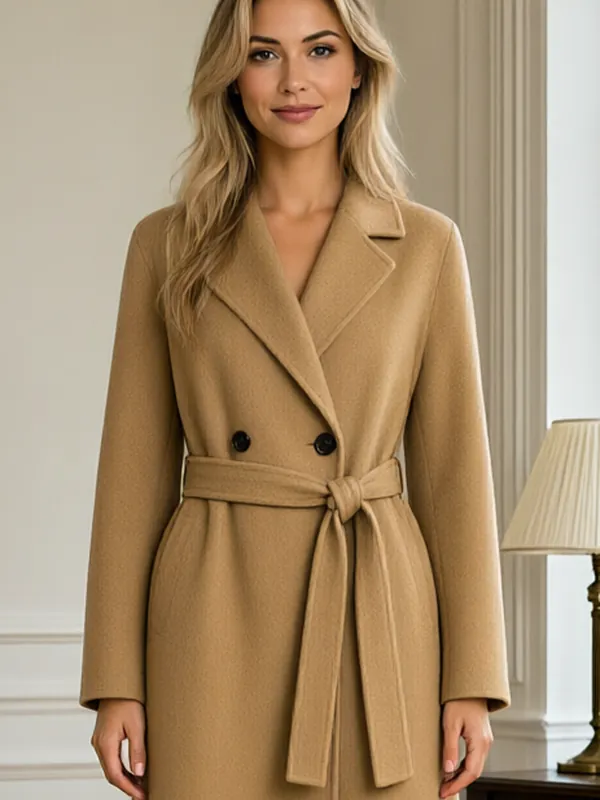
Free to start
Two outfit swaps a day without an account, while the day's free try-ons last. No watermark.
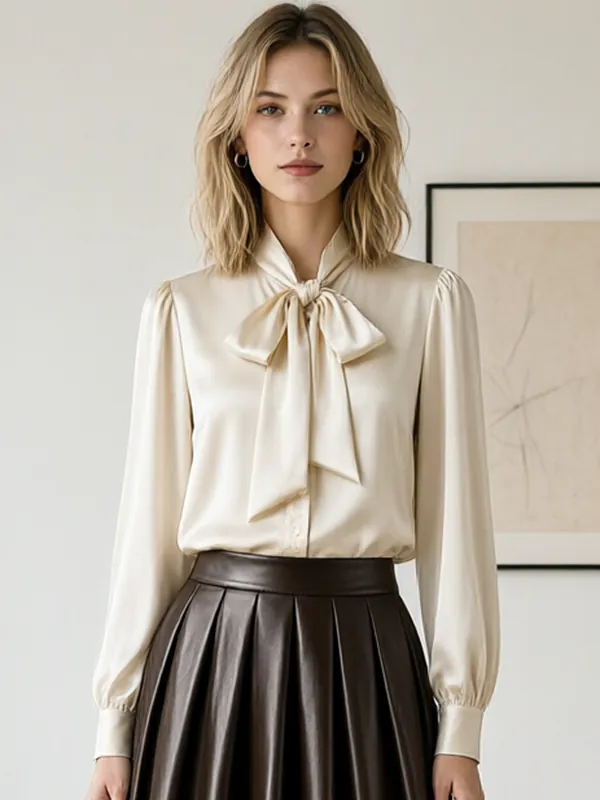
Real garments
You swap in the exact piece you found, because the AI works from its picture.
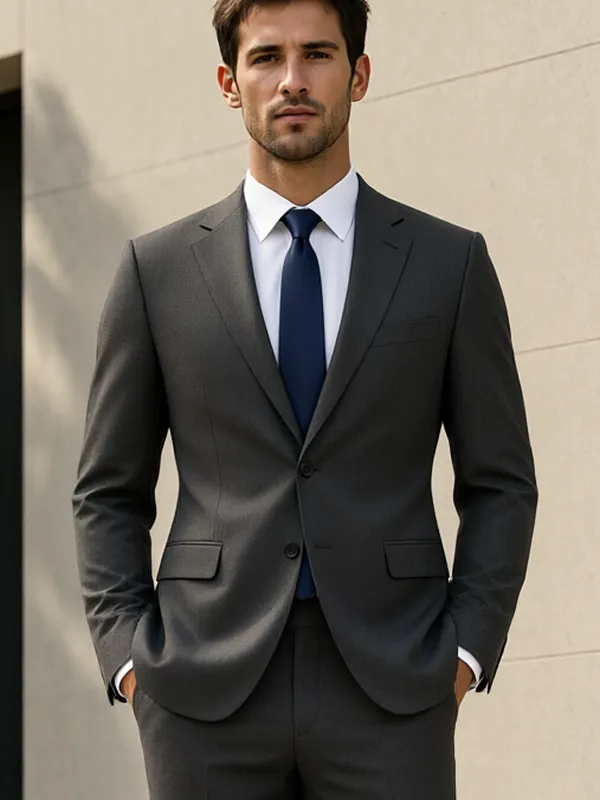
Tailoring that sits right
Lapels, collar and tie are drawn on the person in the same pose.
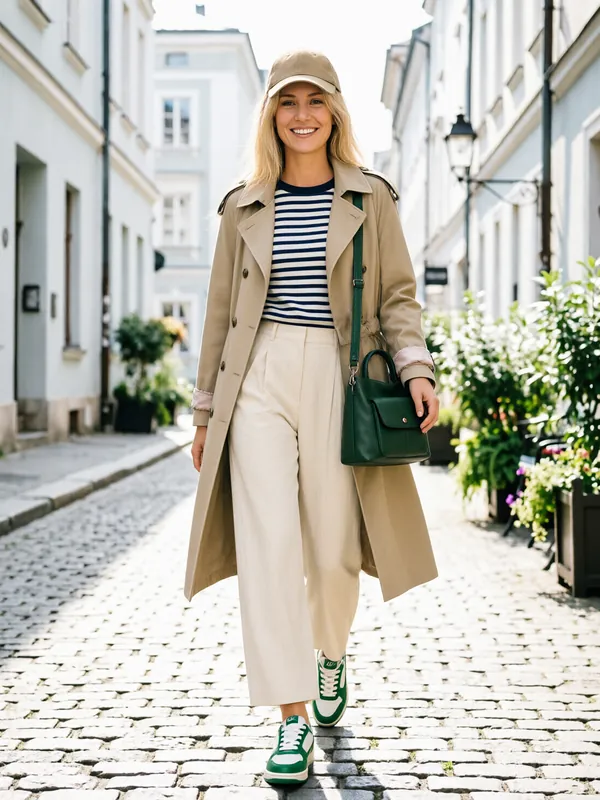
Head to toe
Studio swaps up to 6 items at once, shoes, hats and bags included. It comes with any pack.
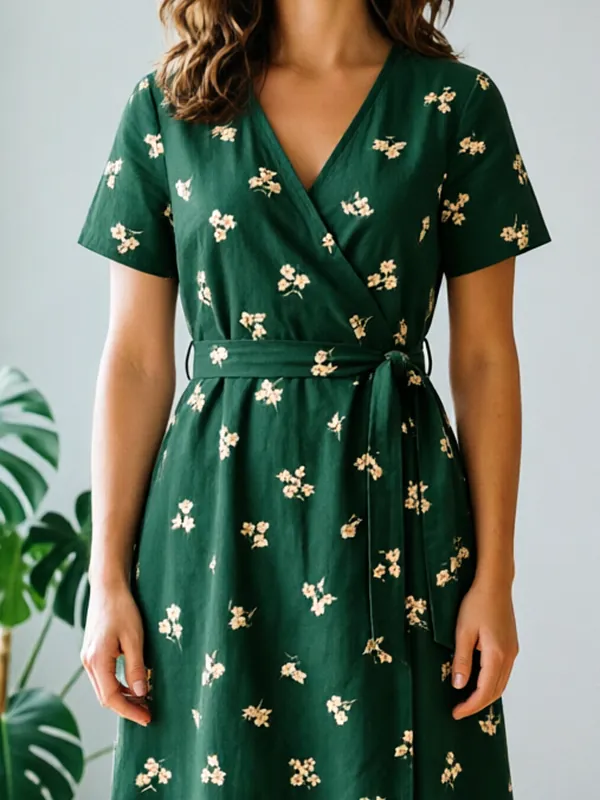
Prints carry over
Small florals and lettering come along from the product photo.
For everyone
Women's and men's clothes. Adults only.
Use cases: where outfit swap helps
Everyday ways to use an AI outfit swap.
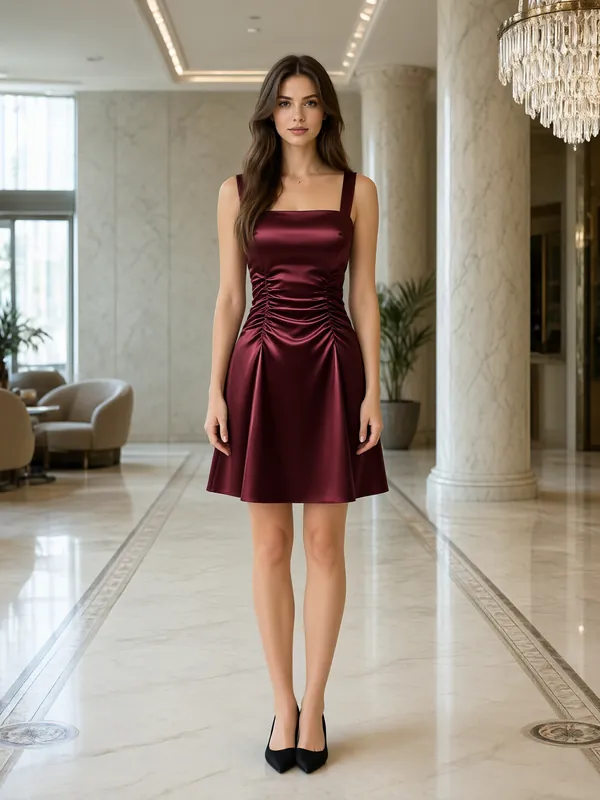
Shopping
Swap a dress or coat onto your photo before you buy it.
Profile photos
Try a sharper jacket on a photo you already like.
Wardrobe planning
Photograph pieces you own and see new combinations.
Events
See a gown or a suit on you before a wedding or a dinner.
Clothing sellers
Turn a flat-lay into a picture on a person.
Stylists
Show a client an outfit on their own photo, with their permission.
How to get a cleaner outfit swap
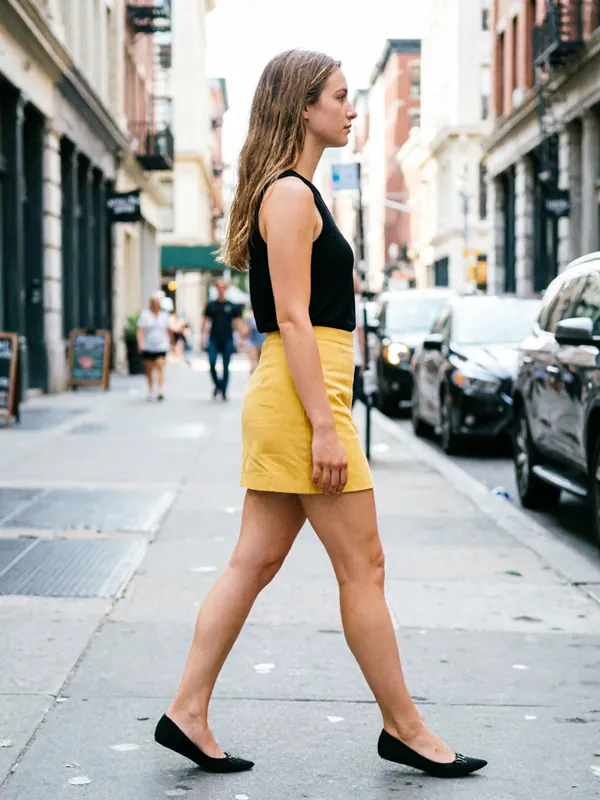

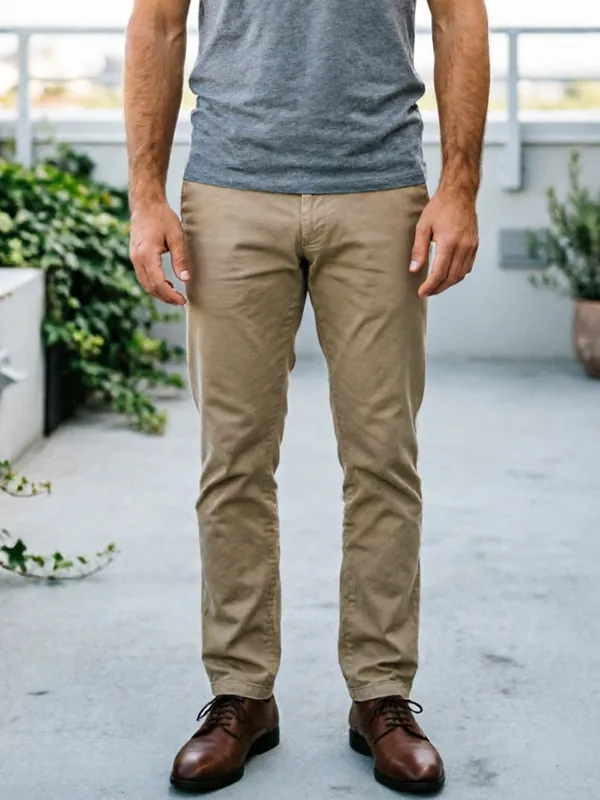
- Front to front. A front-facing photo works best with front-facing product pictures.
- Show the whole piece. If a sleeve or hem is cut off in the product photo, the AI has to guess it.
- Keep arms visible. Crossed arms and large bags cover the clothes you want to swap.
- One change at a time. If the outfit looks off, swap the top first and then the bottom.
Outfit swap: frequently asked questions
Is the outfit swap free?
You get 2 free try-ons a day without an account, while the day's free try-ons last. See pricing.
Do I need an account for the outfit swap?
Not for the free ones. Open the page, add two pictures and press Try it on.
How do I do a basic outfit swap?
Add a photo of a person, add a picture of the clothes, tick the permission box and press Try it on.
What clothing photos work best?
Sharp, front-facing product photos, flat-lays or hanger shots with the whole piece visible.
Can I use a photo of clothes on a model?
Yes. The clothing picture can show a model wearing it.
Will the AI outfit swap change my face?
It isn't meant to. The AI is told to change only the clothes. If something looks different, try a sharper photo.
Can I swap only the top or only the bottom?
Yes. Add only that piece and the rest of the outfit stays.
Is there an outfit swap app?
You don't need one. The outfit swap works in a phone browser.
How is outfit swap different from virtual try-on?
The tool is the same. Outfit swap is usually about changing a whole look, and try-on is about checking one piece before buying.
Are my photos kept after the swap?
We don't keep your photos or results. See the privacy policy.
Can I swap an outfit in someone else's photo?
Only if that person agreed and is 18 or older.