2 free try-ons a day · no sign-up
Virtual Dress Try-On
Upload a photo of yourself and a picture of a dress. The virtual dress try-on puts that dress on your photo in about 30 seconds.
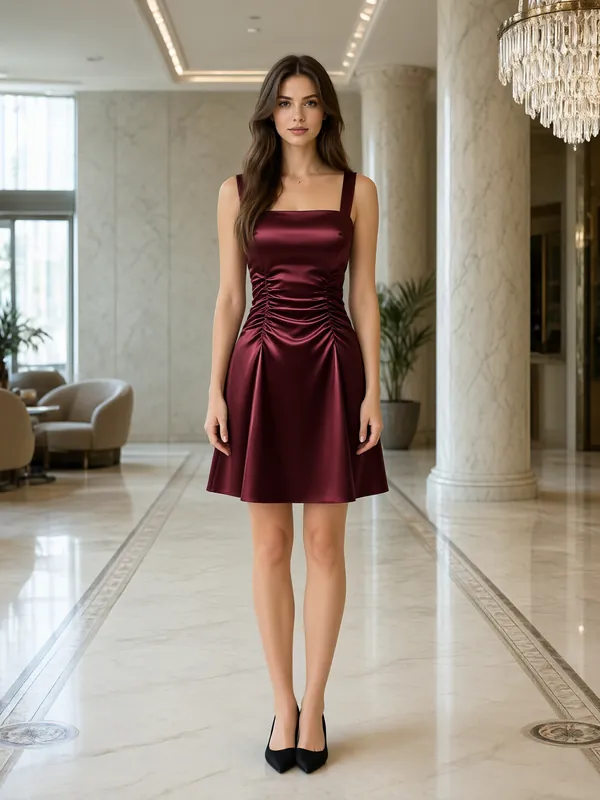
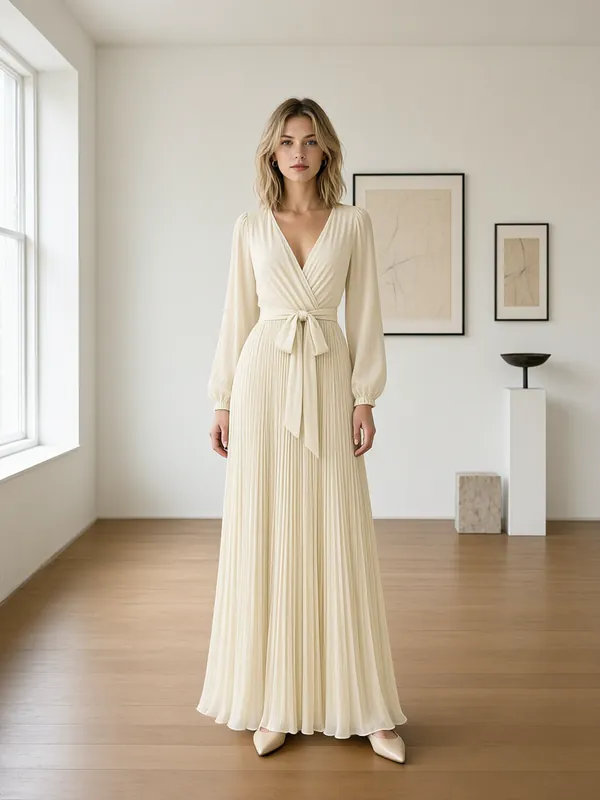
- 1Photos
- 2Try on
- 3Result
Styling your look… this takes about 30 seconds.
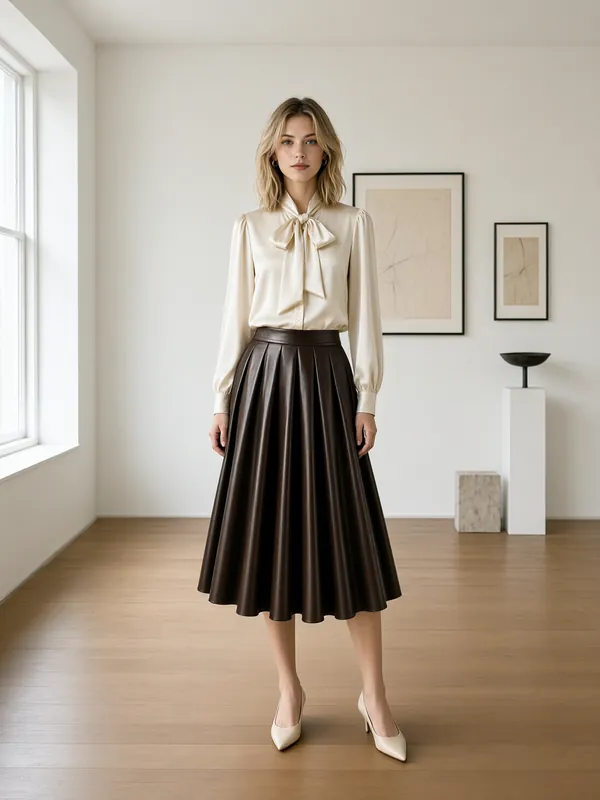
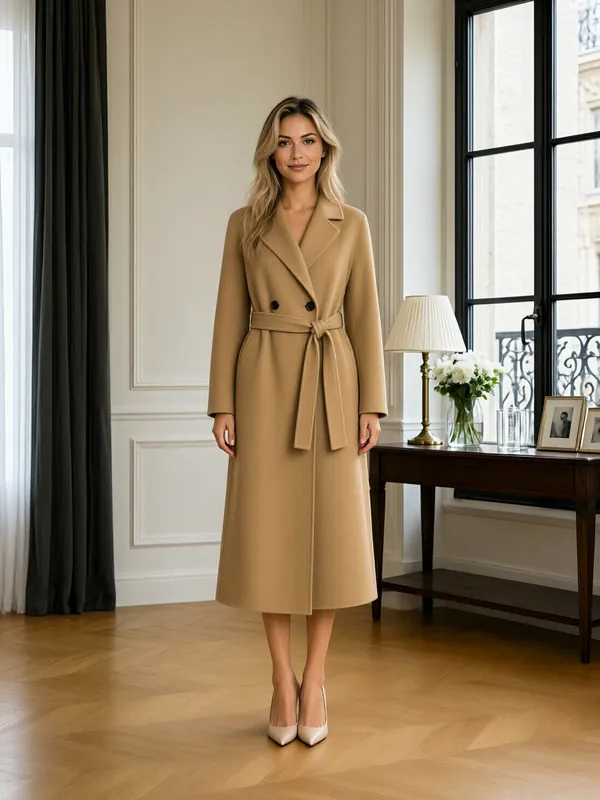
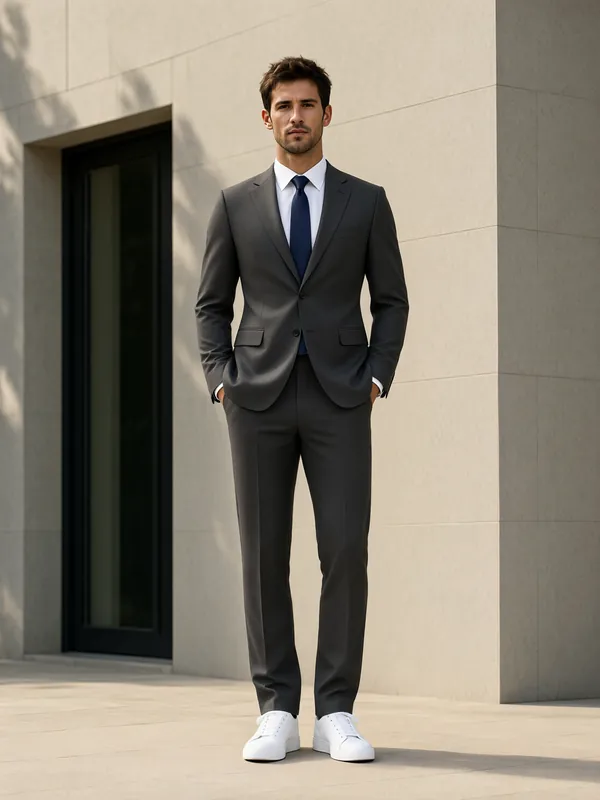
Try a ready dress
Tap a dress to load it, then add your photo.
How to try on a dress online with AI
No app and no fitting room. The virtual dress try-on runs in your browser.
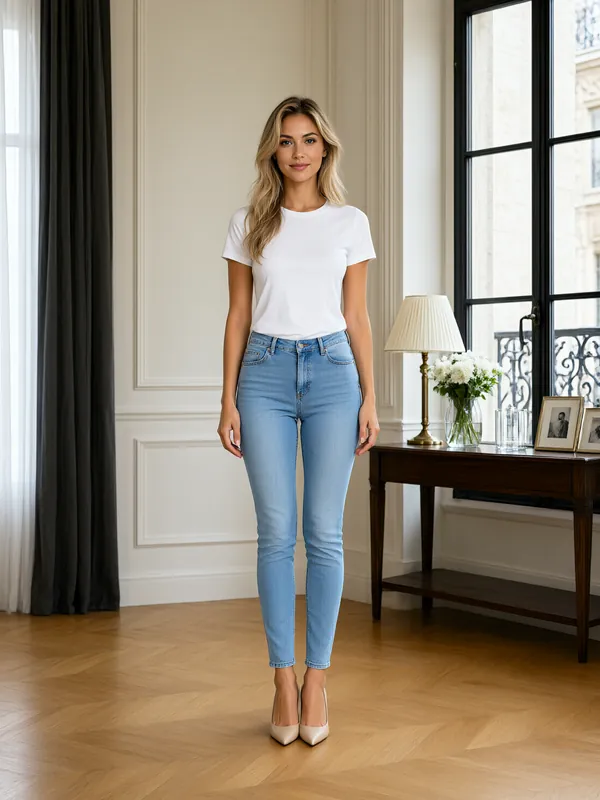
1. Upload your photo
Use a clear, full-body photo facing the camera. The dress goes onto this exact photo, so your face and pose carry over.
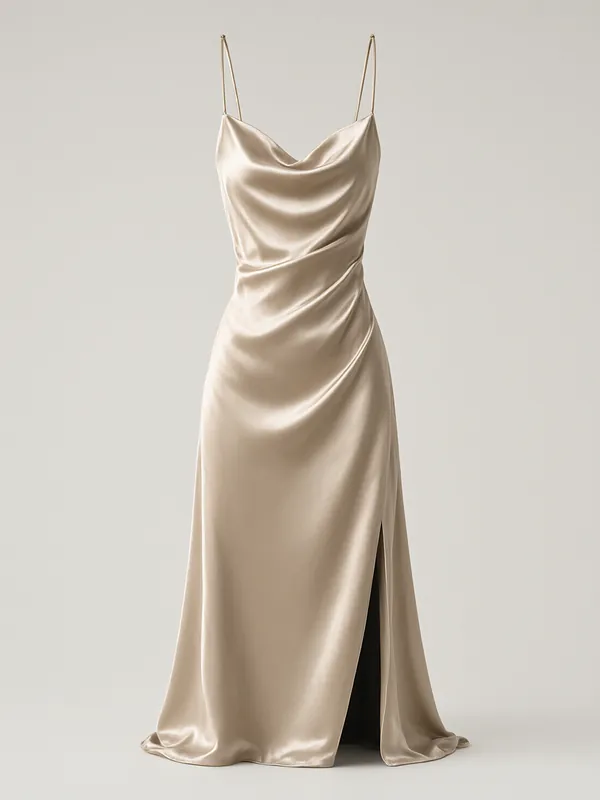
2. Choose a dress to try on
Add a store photo, a screenshot or a flat-lay, or tap a ready dress. The whole dress should be in the picture.
3. See how it looks on you
Download the result, or keep your photo and try on the next dress.
Dress styles you can try on
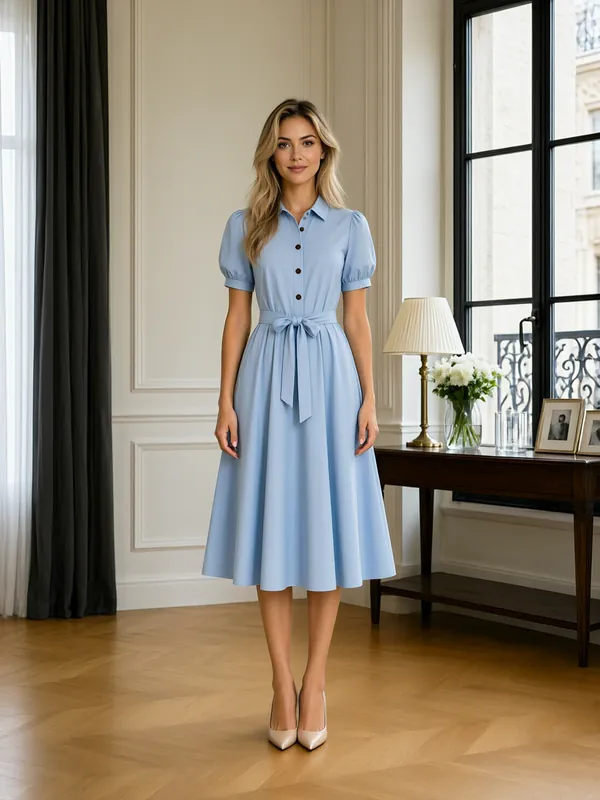
Casual and day dresses
Shirt dresses, wrap dresses and cotton dresses. Look at the waist, the collar and how relaxed the shape feels on you.
Cocktail dresses
Check the neckline, the straps and the fitted waist before a dinner or a party.
Maxi dresses
See the long outline from shoulder to floor and whether the sleeves suit you.
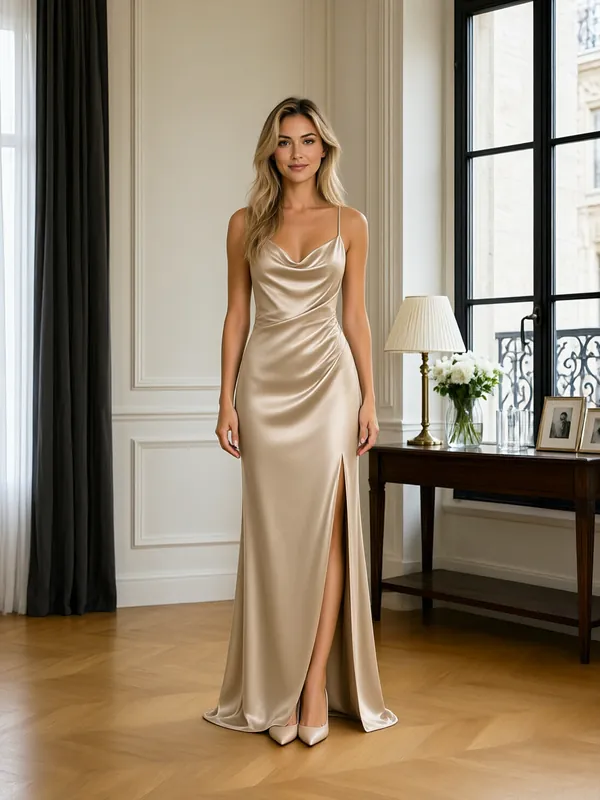
Evening and slip dresses
Satin shows every fold. Look at where the fabric gathers and how the color sits next to your skin.
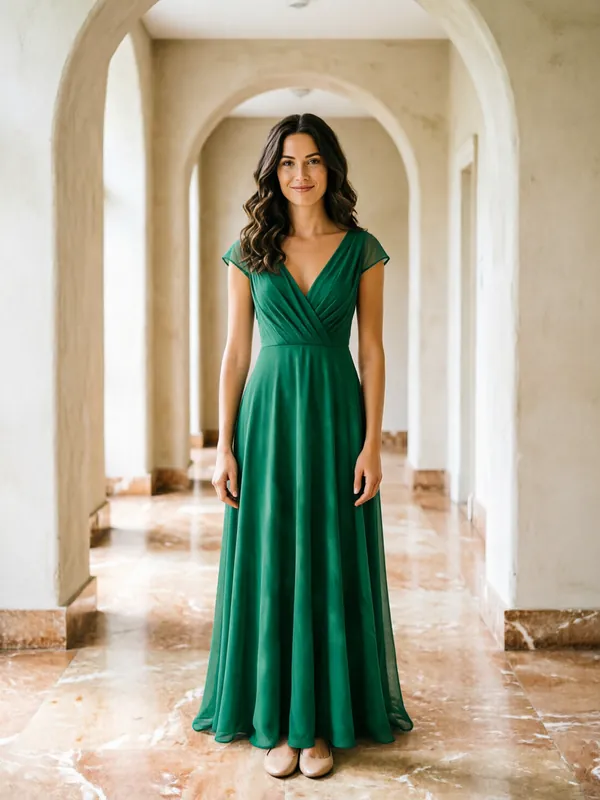
Gowns
Bridesmaid, gala or wedding guest: compare two gowns on the same photo.
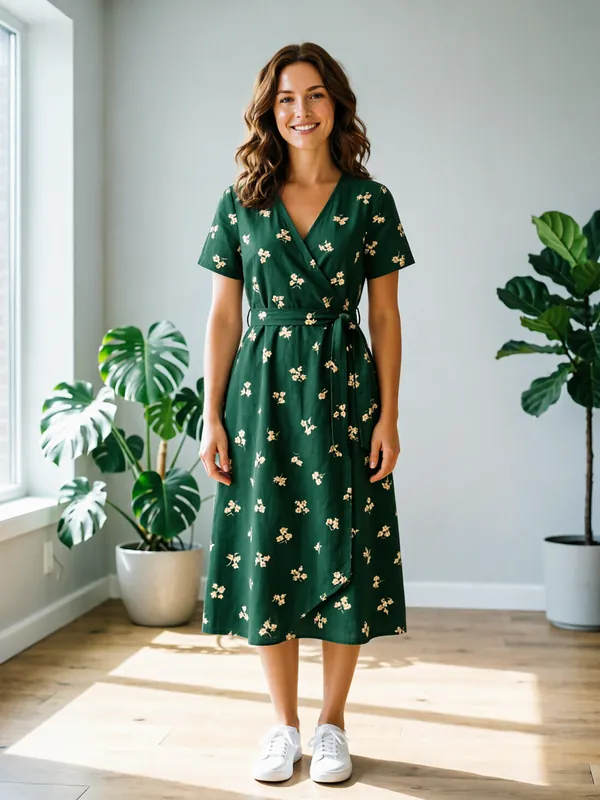
Prints and midis
See whether a small print feels busy or just right.
Virtual dress try-on: before and after
Jeans to satin gown
The T-shirt and jeans are gone. The room, the lamp and the pose are still there.
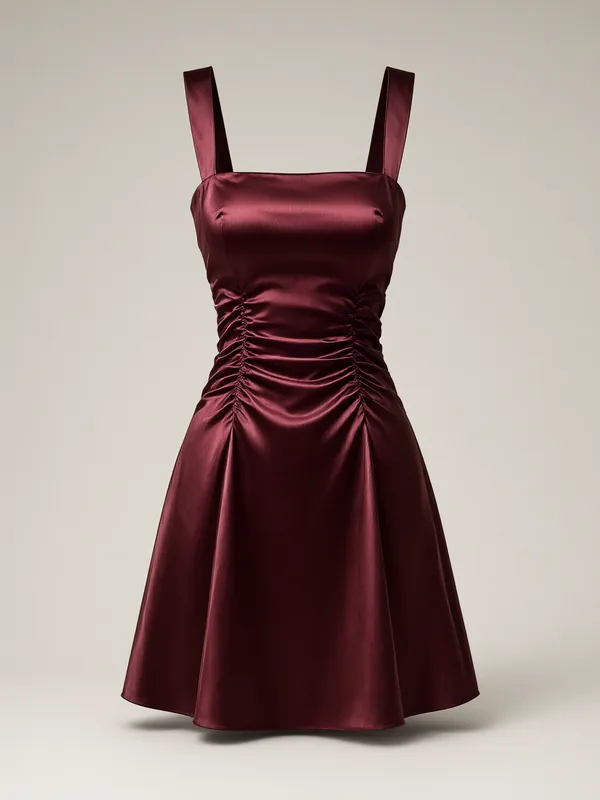
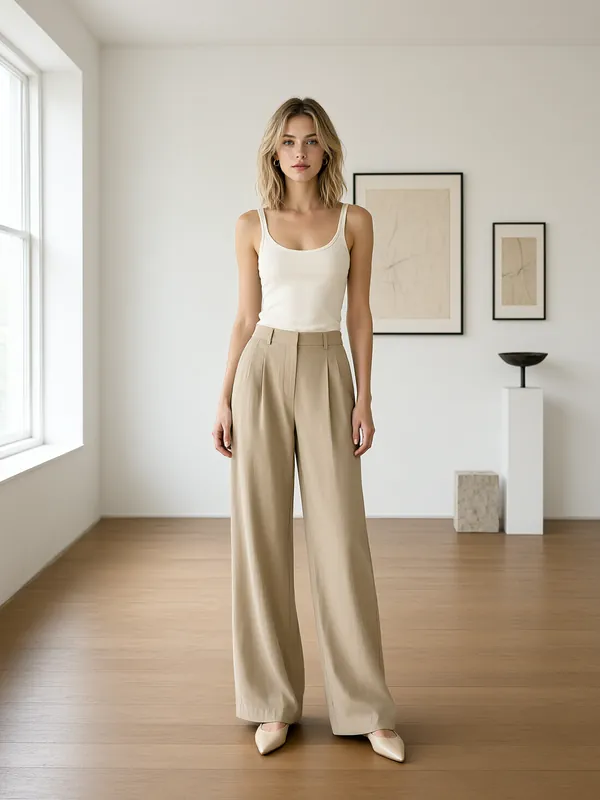
Black basics to burgundy
One dress photo replaces the top and the trousers.
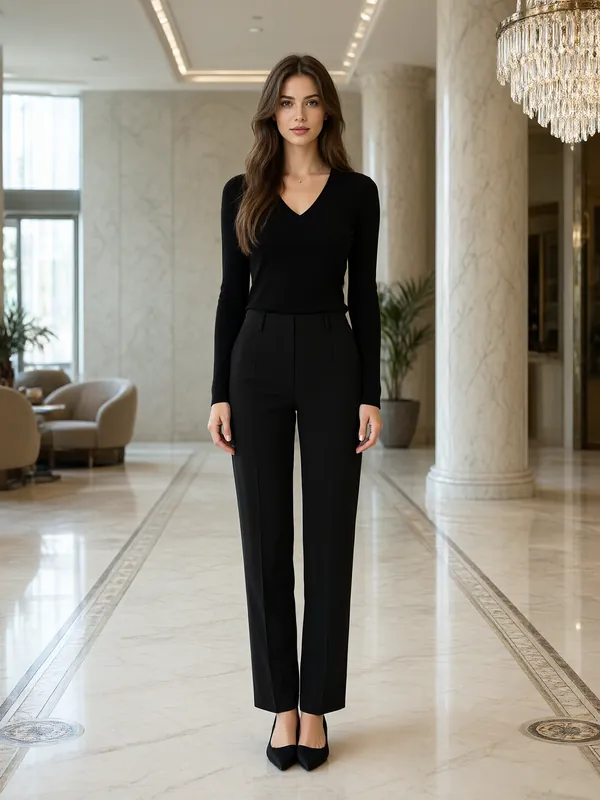
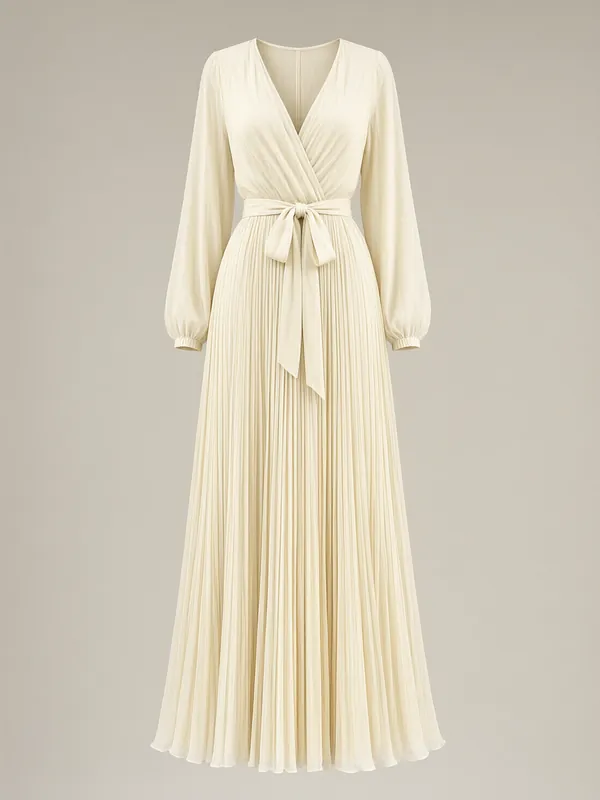
A floor-length maxi
The pleats, the tied waist and the long sleeves come from the product photo.
Made with our own tool. The people are AI-generated.
Why use a virtual dress try-on?
What is a virtual dress try-on?
It is a way to see a dress on yourself without putting it on. You add a photo of you and a picture of the dress, and AI makes a new photo of you wearing it.
What is QuickTryOn?
QuickTryOn is a virtual dress try-on and clothes changer that works in the browser. You don't need an account for the free try-ons, and there is no watermark on the result.
Why people try on dresses this way
A dress is hard to picture from a store photo. The model may be much taller, the light is different and the straps may be pinned at the back. On your own photo you can look at the color, the neckline and the shape, and you can put two or three dresses next to each other.
It changes only the clothes
The AI is told to keep your face, hair, body shape, pose and background. Because the photo stays the same, the dress is the only thing you have to compare.
Virtual dress try-on vs guessing from a model photo
With a virtual dress try-on
- The dress on your own photo
- Color next to your skin and hair
- Several dresses on the same photo
- No account for the free try-ons
Guessing from a model photo
- The dress on someone else
- Studio light and pinned fabric
- Hard to compare dresses from different stores
- You find out after it arrives
Can it show the length of a dress?
It gives you an idea of the length, but treat the hem as a guide. A midi can look a little shorter or longer than it really is. Find the length in inches on the product page and measure it against yourself.
It also doesn't know your size, and fine lace or beading can come back simplified. Use the dress try-on for color and shape, and use the size chart for fit.
Tips for the best dress try-on results
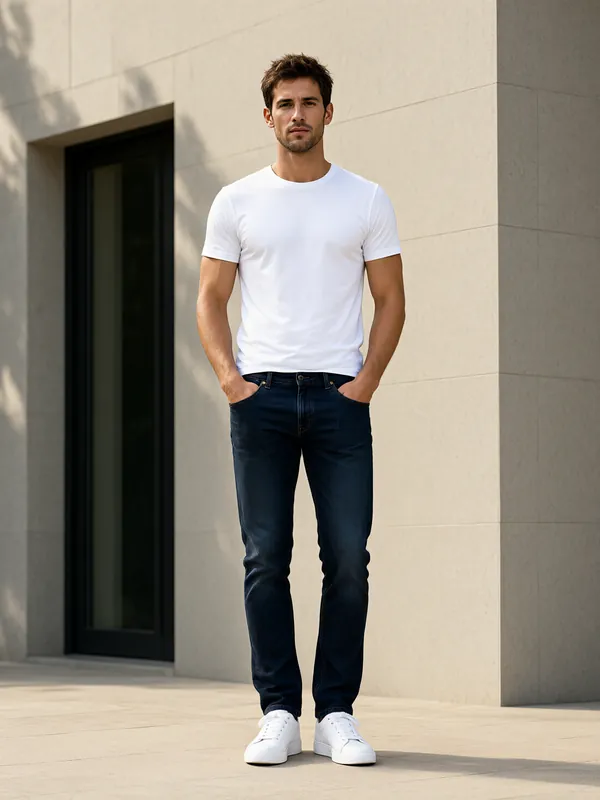
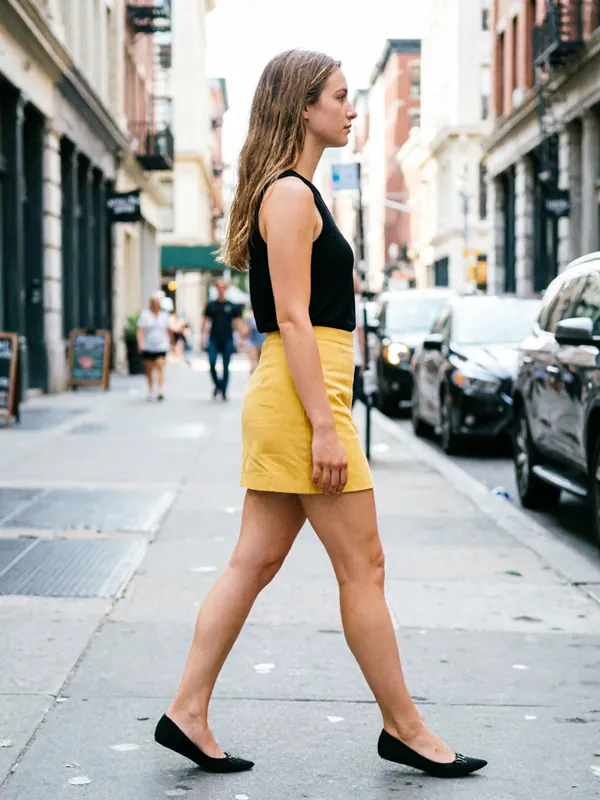

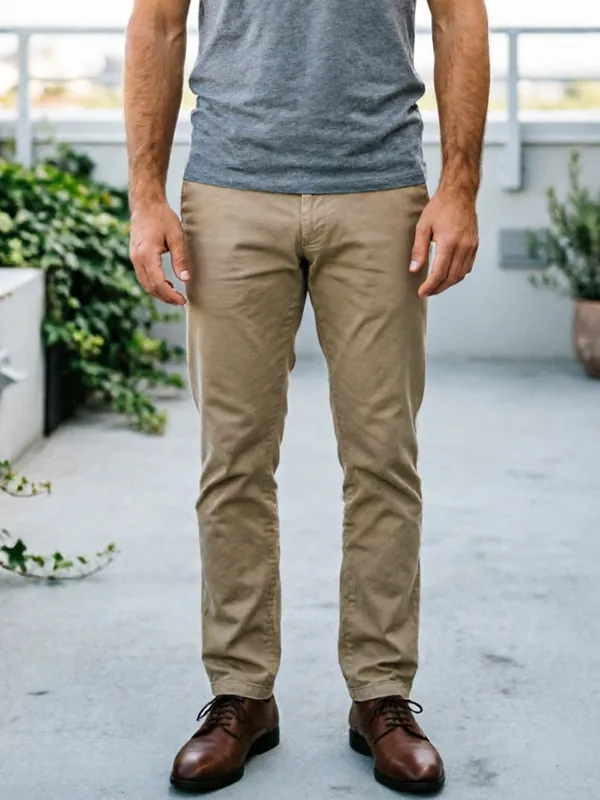
- Use a full-body photo. Stand facing the camera, with your shoes in frame.
- Wear something fitted. Bulky coats and wide sleeves hide your outline.
- Use even light. Daylight from a window works well.
- Pick a clear dress photo. Front view, whole dress, one dress in the picture.
Who uses the dress try-on
Online shoppers
Try on dresses from any store before you order and cut the list down to the ones you like on you.
Wedding guests and bridesmaids
Check a color or a neckline on yourself before the group decides.
Dress sellers
Turn a flat-lay into an on-body preview to show a customer.
Dress ideas by occasion
Wedding guest
A midi or a maxi in a solid color is an easy place to start. Try the burgundy or the emerald.
Cocktail party
A fitted waist with a short or midi skirt. Look closely at the neckline.
Black tie
A long satin or chiffon gown. Compare a light and a dark color.
Graduation
Something that looks good under an open gown, such as a shirt dress.
Work
A belted shirt dress with a collar. Add a blazer as your second item.
Vacation
Florals and light cotton. See whether the print suits your coloring.
Try on a dress before you buy it
Fewer guesses
You have already seen the color and the shape on yourself when you decide.
Fewer parcels back
A dress you ruled out on screen is one you don't have to return.
Dresses you'll wear
Comparing first makes it easier to skip the one that only looked good on the model.
Your photos stay yours
Not stored by us
We don't keep your photos or results on our servers. Result links stop working after 24 hours.
Not used for training
We don't use your images to train AI.
No public gallery
Nothing you upload is published. The companies that process images are named in the privacy policy.
Virtual dress try-on: frequently asked questions
How does a virtual dress try-on work?
You add a full-body photo and a picture of a dress. The AI makes a new photo of you wearing the dress and keeps your face, pose and background.
Is the virtual dress try-on free?
You get 2 free try-ons a day without an account, while the day's free try-ons last. See pricing.
What photo works best for trying on a dress?
A clear full-body photo, facing the camera, in good light. JPG, PNG and WebP all work.
Will the dress look accurate on me?
Color, print and overall shape usually carry over well. Length and fit can differ, and fine lace or beading may be simplified.
Can I try on a dress from any online store?
Yes. A screenshot of the product photo is enough, as long as the whole dress is visible.
Can I try on wedding dresses and bridesmaid dresses?
Yes. Judge the silhouette and the neckline, and check the lace on the store's own photos.
Can I add shoes or a jacket to the dress?
Standard takes 2 items, so a jacket works. Shoes, hats and bags are part of Studio, which comes with any pack.
Is there a virtual dress try-on app to install?
You don't need one. It runs in the browser on a phone or a computer.